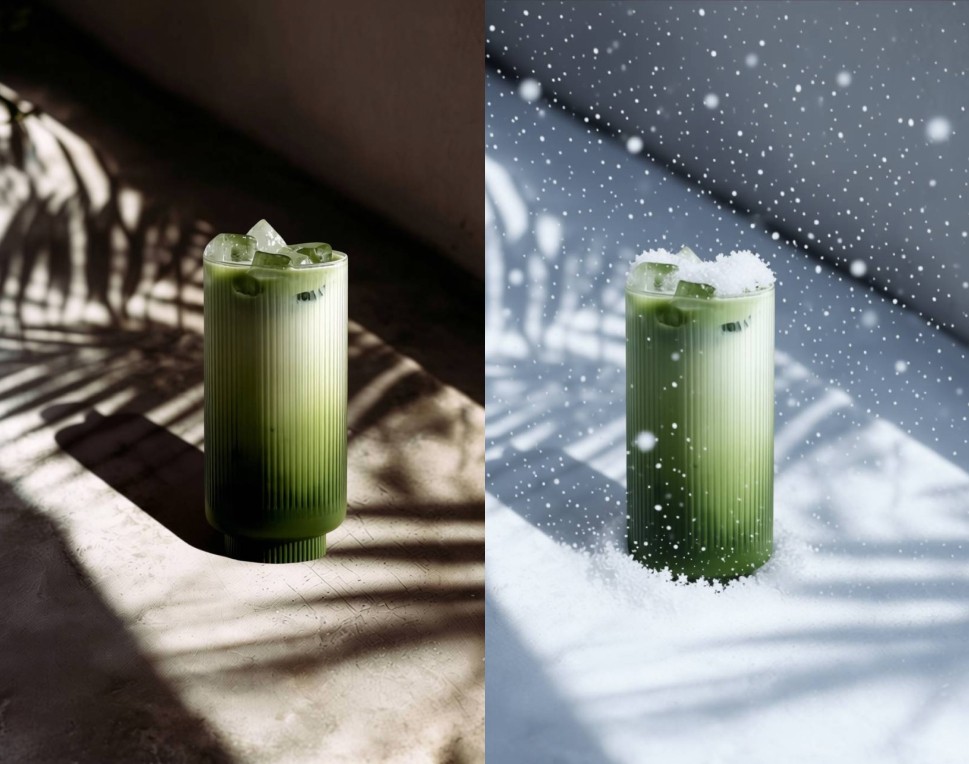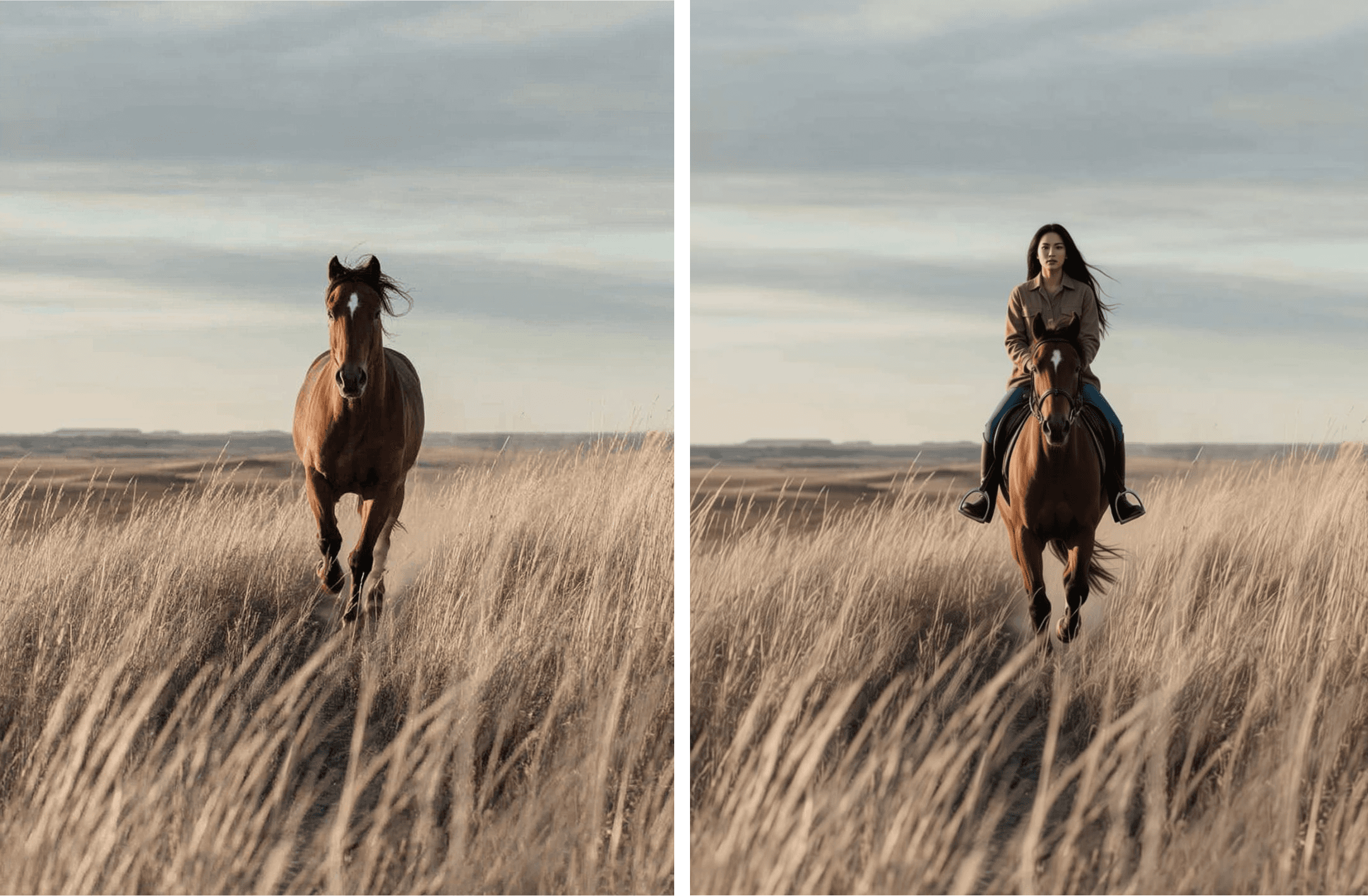
You spend hours curating your brand; the right colors, logo, tone. But your headshot still feels “off.” Now, AI tools make it possible to redesign how you appear online, instantly blending your avatar into the perfect visual setting.
These days, thanks to AI tools and online platforms, you can do exactly that with minimal effort!
Whether you’re crafting a custom avatar via an avatar generator or using an avatar maker to personalize your image, the workflow is now faster and far more creative.
If you haven’t explored placing an avatar in a picture (instead of just uploading a raw image) yet, you’re about to discover how it elevates your online presence and branding.
What does “placing an avatar in a picture” mean and what it can do for you or your brand?
Putting an avatar into a picture refers to taking a digital persona (your avatar) and integrating it into an image (a pic) where it becomes part of the composition. For example: you generate a custom avatar with an AI avatar generator, then you upload a background photo and insert your avatar as a focal element. This process lends itself to use cases such as updating your social media profiles, tailoring a virtual persona for a website, or making an avatar for free that feels unique and high resolution.
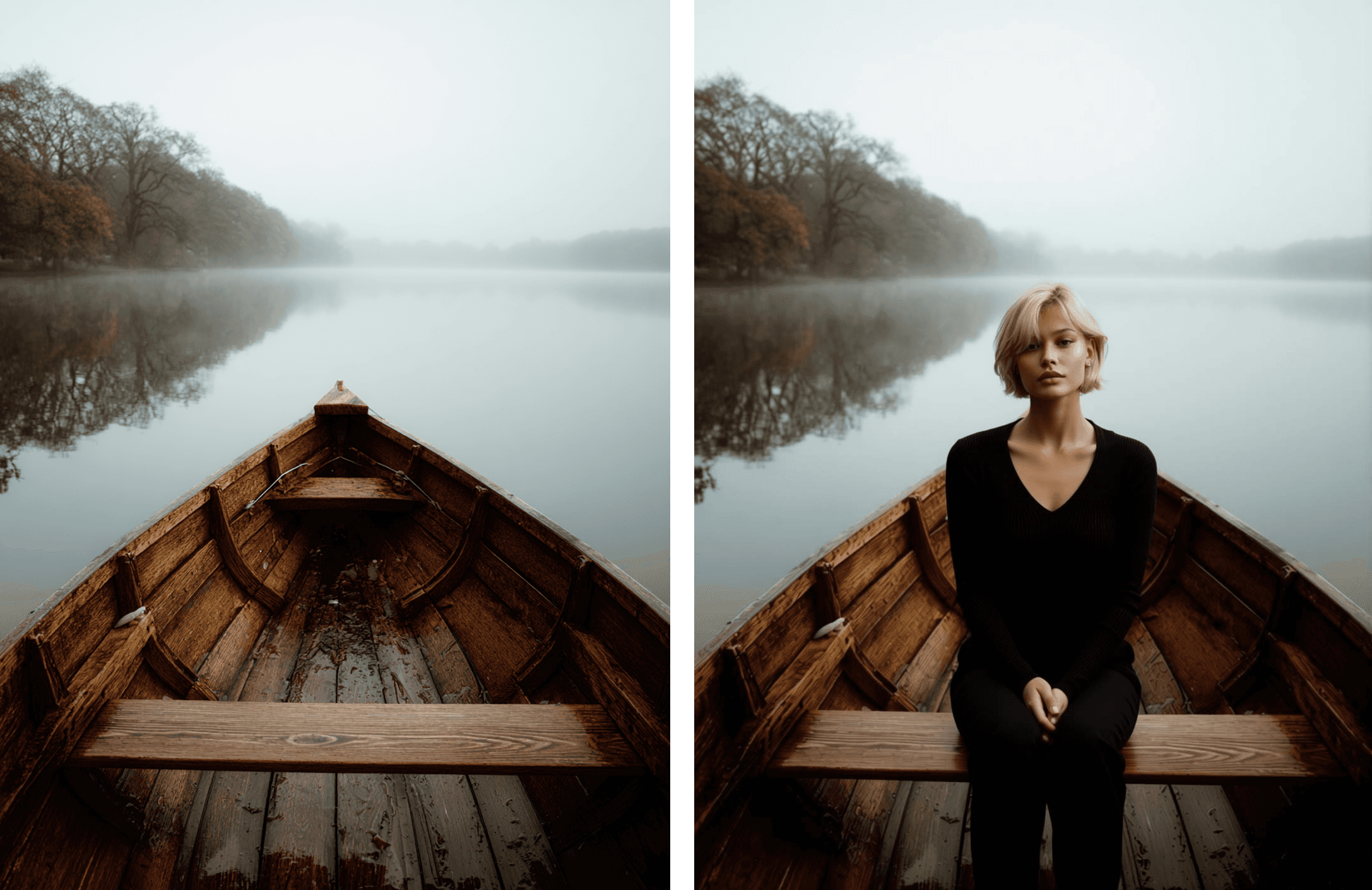
Here are the core operations involved and how AI tools help:
Generate or create your avatar: Using an avatar maker or free online avatar creator you can design your avatar (customized avatars, avatar templates, cartoon style or high quality icon).
Place the avatar placeholder in a background image: In a browser based tool or upload utility you click to insert the avatar, as well as a background image to go with it.
Download and use your final file: After personalization, you can set it as your profile picture, business card image, icon, social media asset and more!
Why emphasise “placing” an avatar rather than simply “making” one? Because the real value often lies not just in creating a random avatar, but integrating it seamlessly into your visual content (online presence, user profiles, branding). It’s about giving your avatar context and relevance.
What Makes Adding Your Avatar to Photos So Powerful
Here are practical scenarios where placing an avatar into a picture makes a difference:
Social media and Marketing
Using a customized avatar for both marketing visuals and social media profiles can elevate your brand presence. Whether you're building creative assets like thumbnails or digital content, placing your avatar into a stylized background or branded theme adds personality and encourages more engagement. On social platforms, replacing raw headshots with a clean, branded avatar layout creates a consistent and recognizable identity that helps your profile stand out across channels.
Digital Identity Across Platforms
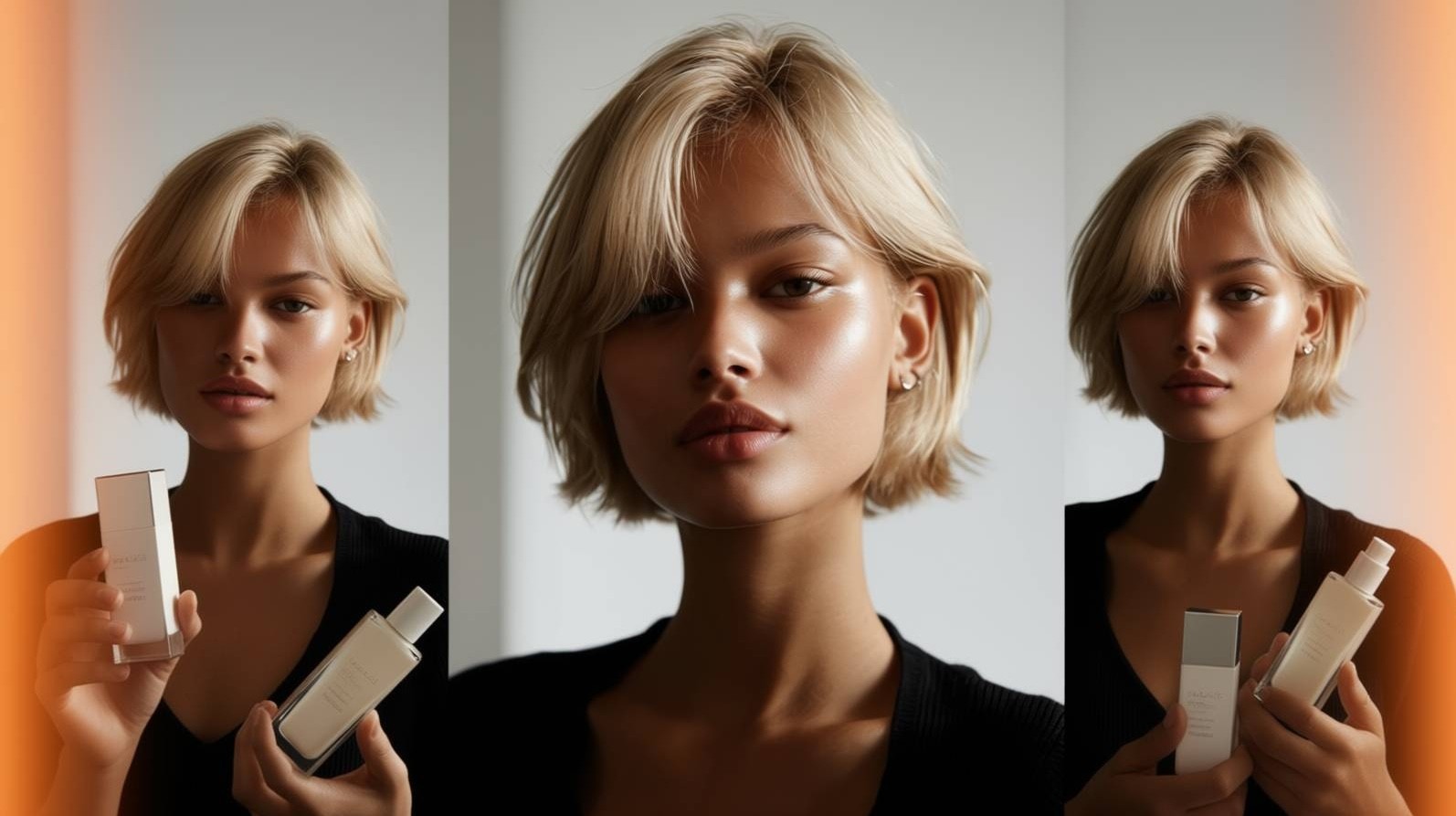
Whether you're a creator, developer, or part of an online community, a custom avatar helps build a consistent and professional presence. Placing your avatar in a banner, team page, or virtual background creates a recognisable look that matches your style and stands out across platforms.
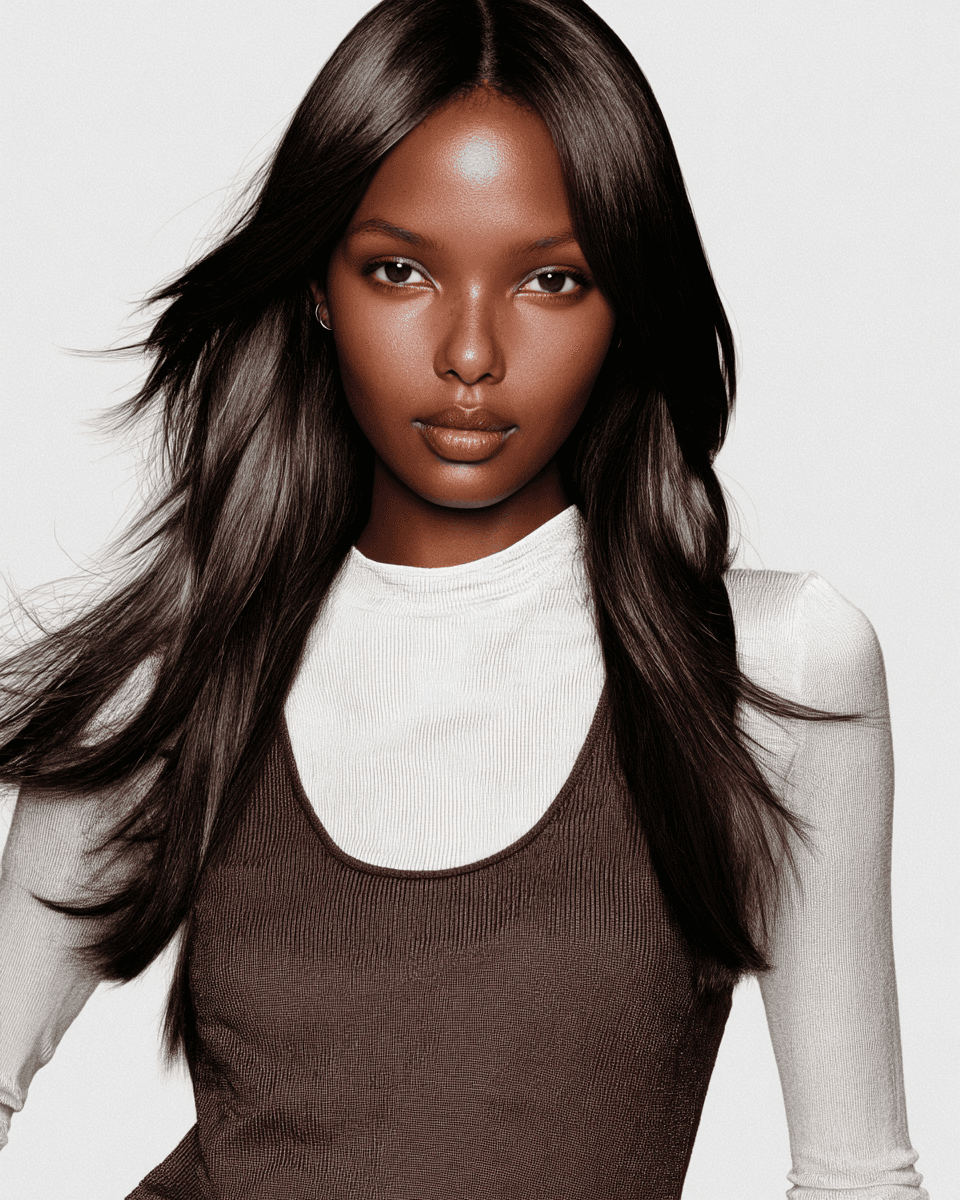
Made in Gleem.AI Studio
In fact, a study by Lucidpress found that consistent branding can increase revenue by 23%, a number that shows how small design choices add up. Avatars help teams achieve that consistency without relying on endless photoshoots. When your visuals, messaging, and tone are aligned, it strengthens brand recognition and helps you stand out in a busy market.
Fun and Entertainment
Sometimes people just want to have fun; and that’s not a problem at all! Place avatars in your room or fantastical places and let your imagination run wild. This could also work for concepts in the entertainment industry (including movies and video games).
And the market backs this trend: the global AI avatar market is projected to grow from about USD 7.41 billion in 2024 to USD 118.55 billion by 2034 (a CAGR of ~31.95%) (Precedenceresearch).
Pro tip:
Choose a background that fits your brand or platform (clean space, brand colour, or relevant scene) so that when you click and embed your avatar, the final output looks natural and intentional.
What to look for when choosing an avatar + placement tool
Since the workflow involves both avatar creation and image integration, here are key features to evaluate:
Flexibility of the avatar maker or avatar creator: ability to customize your avatar, use avatar templates, tailor facial features, expressions and style.
Ability to upload your background image (for placement) and to resize, move or layer your avatar freely in the tool.
Output quality: your avatar + picture should result in a high resolution file suitable for web, print or user profiles.
Ease of use: an easy to use platform or website with intuitive setting panels where you “click and drag” your avatar into your image.
Free vs paid: many platforms offer free avatar maker or avatar for free options; premium versions may unlock higher resolution, more backgrounds or custom avatars.
Integration: support for download of different formats, perhaps even API access if you want to automate placing avatars into dozens of images.
Consistency: if your aim is to maintain a consistent visual identity across channels, make sure the tool allows reuse of the avatar and multiple placements (backgrounds, icons, business cards).
Also keep in mind with 34 million AI‑generated images produced each day in 2025 (PhotoGPT), the importance of choosing a tool that offers full avatar customisation and seamless background placement cannot be overstated.
The right tool isn’t about how many filters it has, it’s about how easily it fits your workflow. If it feels like a chore, you’ll never use it consistent.
Step by step: place an avatar into your picture
Here’s a practical workflow to guide you:
Step 1. Create or generate your avatar
Select an avatar maker or AI avatar generator on a website or browser tool. Choose from avatar templates or upload a photo to “turn your photo” into an avatar. Customize facial features, style, background or virtual persona. When you’re happy, download or export your avatar.
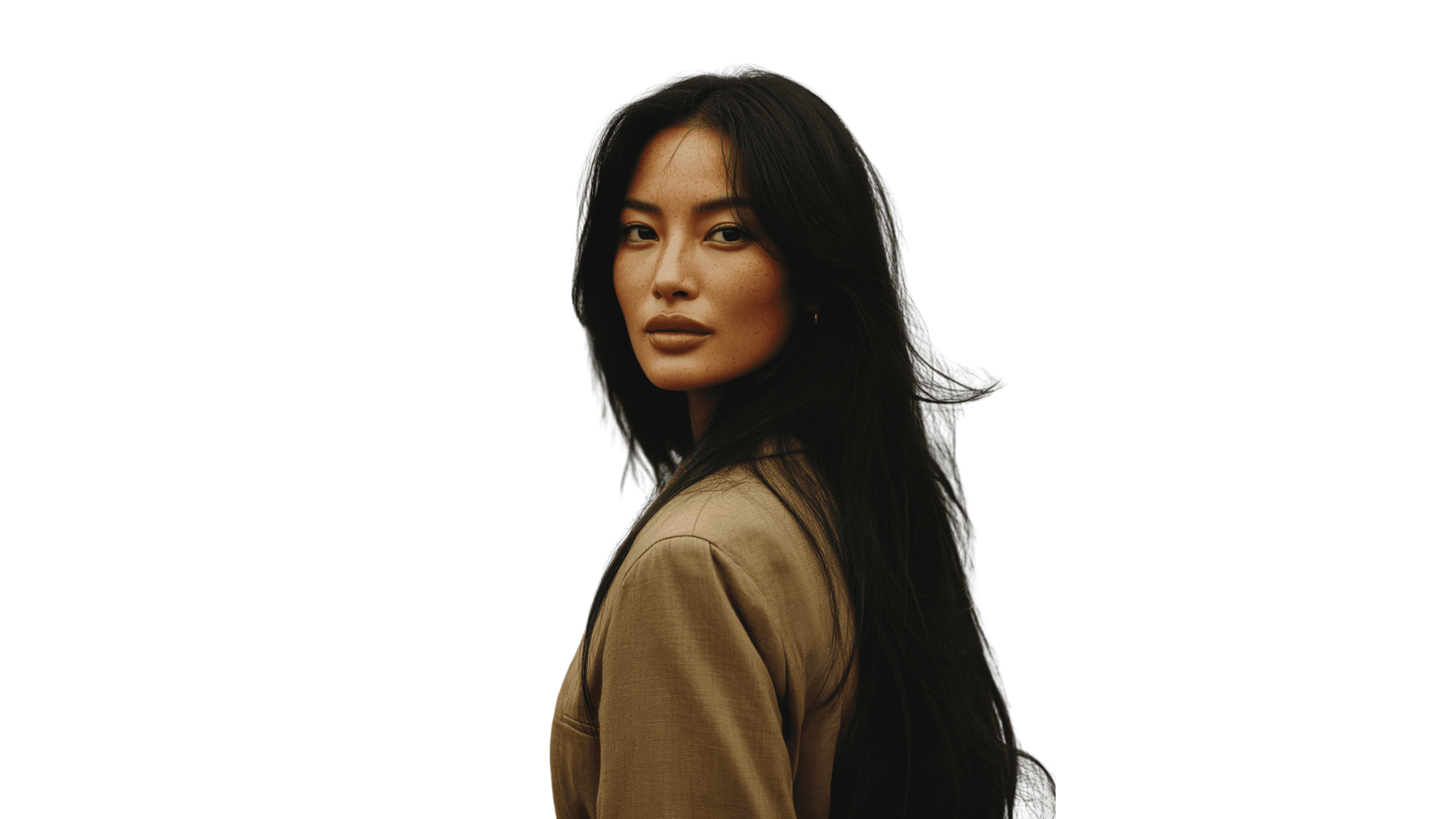
Step 2. Choose the picture (background) for placement
Pick your base image: maybe a clean studio style background, a brand coloured canvas, or a photograph relevant to your profile or business. Make sure resolution is good and background is not too busy (so your avatar stands out).
Step 3. Upload both assets (avatar + picture) into the placement tool
Use a platform that allows you to import your avatar image (often in PNG or transparent format) and your background picture. In the setting panel you can click “upload”, then select your photos. Afterwards, input your text prompt then click the create or generate button!
Step 4. Customize the placement and look
Wait and see your results. If anything is off, tailor your avatar’s placement: maybe add a subtle drop shadow, match lighting or colours to the background, ensure the scale feels natural. You might want to filter your avatar to match the photo’s tone, or shift background colour or blur slightly behind the avatar to enhance focus. These steps help integrate the avatar into the image rather than looking like a cut out icon.
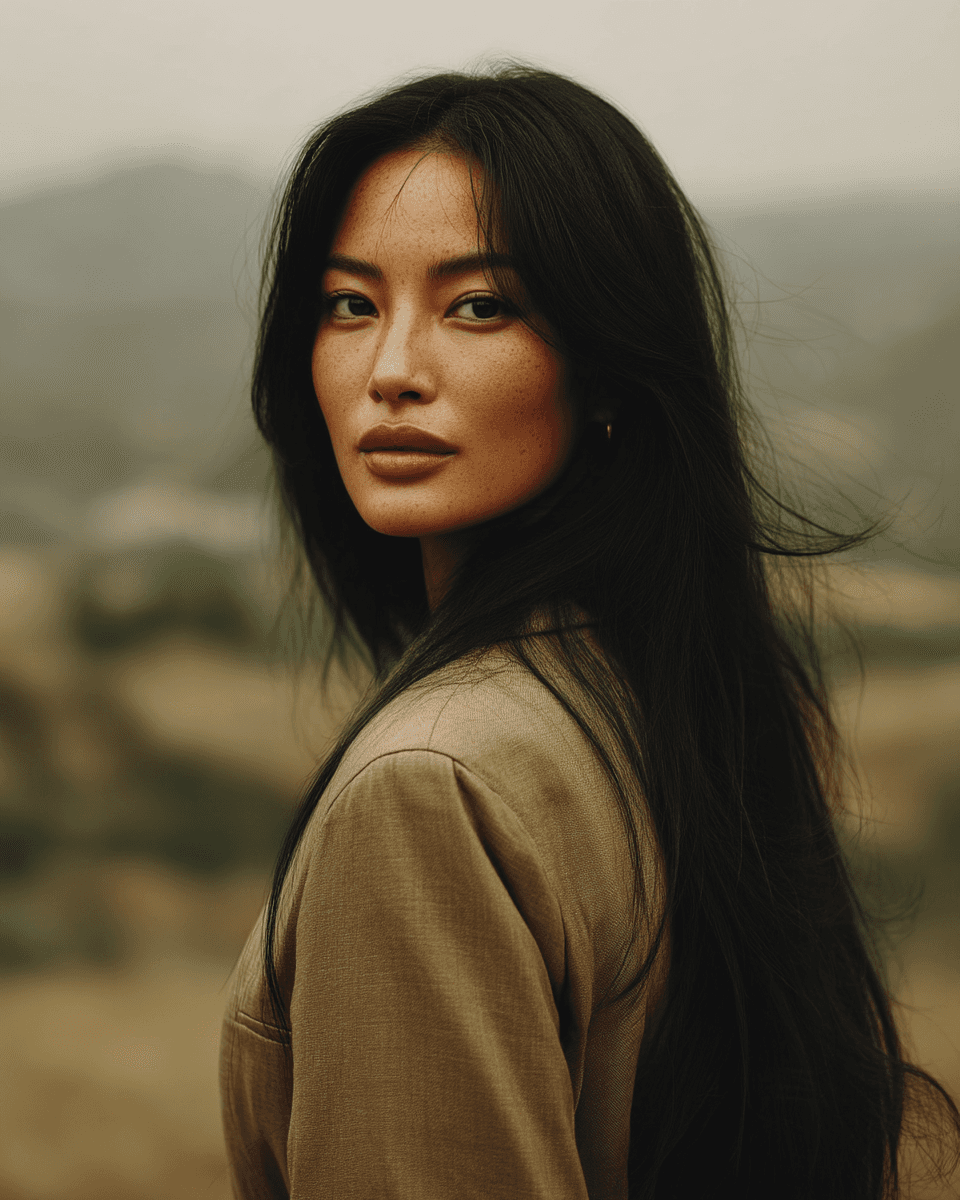
Step 5. Download and deploy
Once satisfied, click the download/export option. Choose a high quality format (PNG or JPG at high resolution) so your final asset works for user profiles, website headers or print. Then upload it to your social media platform, website, business card design, etc.
Pro tip:
If you intend to use the image across several channels, create multiple sizes: one square for user profiles, one horizontal for website banners, one small icon for business cards.
Pitfalls, risks and limitations
Embedding an avatar into a picture sounds easy but there are common mistakes to watch out for:
Poor quality or photo mismatch
If your avatar is low quality or your picture is small, you could end up with quality issues or a look that is very different from your intended photo.
Inconsistent lighting or style
Placing a flat cartoon avatar onto a realistic photo can feel off unless you adjust style/lighting to match. In this example below, we can see the lighting of the character does not match the background at all and feels like a cut-out image rather than a proper photo.
Over automation or lack of personalization
Using stock avatar templates without customizing may make your avatar generic rather than distinctive. And a report shows that 89% of business leaders consider personalization essential for their company’s success over the next three years (Twilio Segment).
Which avatar is more memorable and stands out?
File format or background restrictions
If you download an avatar with non transparent background, placing it might require masking or editing. Always check that the avatar format fits your workflow or check for ways on how to integrate it further.
Why the rise of avatar embedding is transforming digital identity
This trend isn’t just about visual flair. It reflects a deeper shift in how we communicate and build our digital presence, and the numbers are no coincidence: the digital avatar market was valued at USD 12.09 billion in 2024 and is forecasted to hit USD 125.41 billion by 2030 (Marknteladvisors).
We live in a visual-first world
Attention spans are short and first impressions matter. A well-placed avatar acts like a digital handshake. It instantly signals personality, intent, and consistency across platforms.
Avatars offer a layer of privacy and creativity
Not everyone wants to use a real photo. Embedding a stylised avatar in a contextually relevant picture gives users control over how they are perceived, without compromising professionalism.
Brand storytelling gets stronger
Whether you’re a solo creator or a growing business, avatars placed into visuals help narrate who you are. They can match tone, audience and mood, and they scale across platforms.
One-time effort, multi-use asset
Once created, your avatar can be reused across countless assets. It becomes a central part of your digital toolkit.
Conclusion
The ability to place an avatar into a picture using AI tools is no longer a niche creative trick, it is becoming a mainstream part of how people and brands craft their digital identity. For individuals, creators or developers who still rely solely on raw photos, exploring this avatar placement process is a smart way to elevate your visuals, maintain consistency and reflect your unique persona online.
AI avatars aren’t about replacing your photo, they’re about redefining how you show up online. Start small: pick a photo, create your avatar, and see how it transforms your brand presence across platforms.