Gleem.AI Studio
Use Cases
Results:
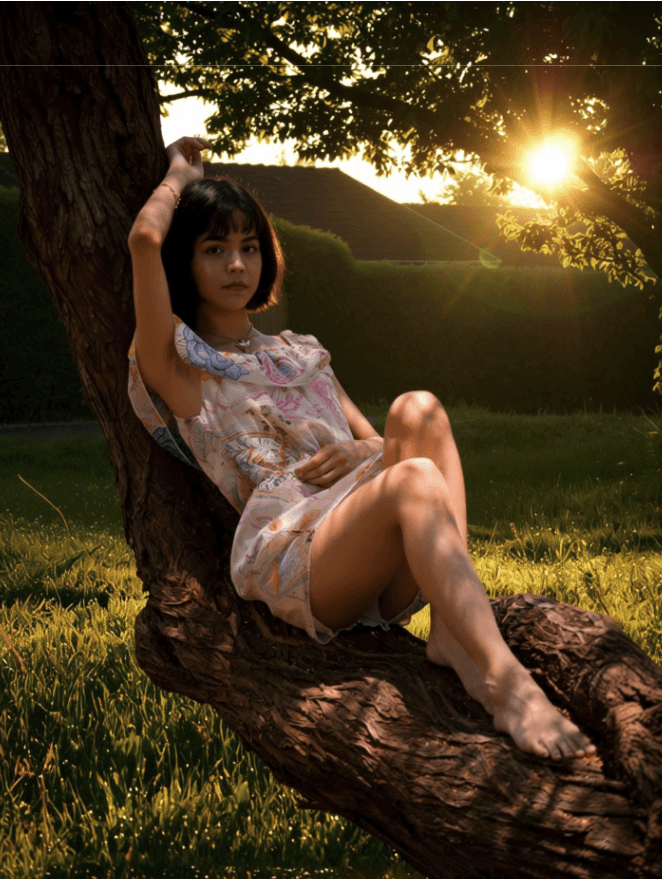
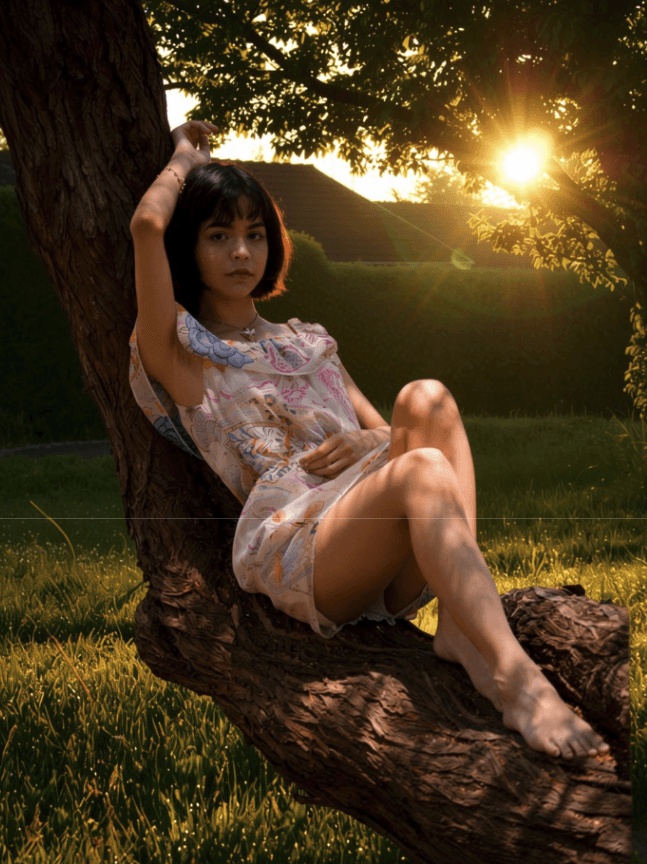
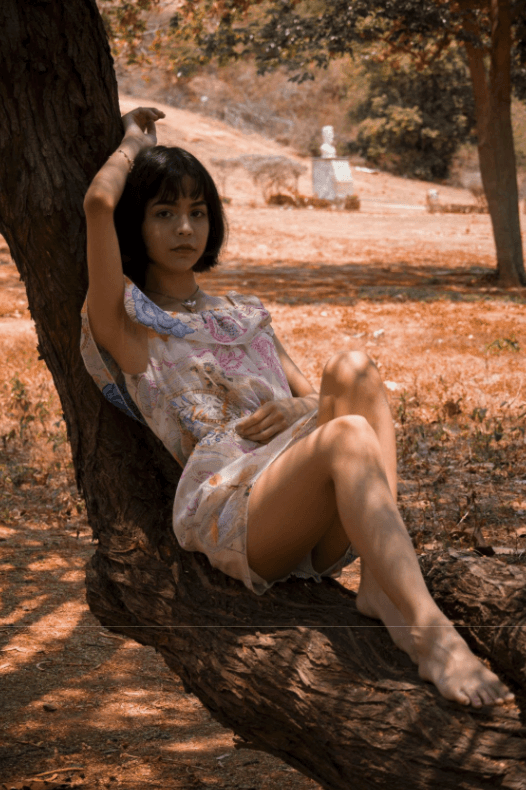
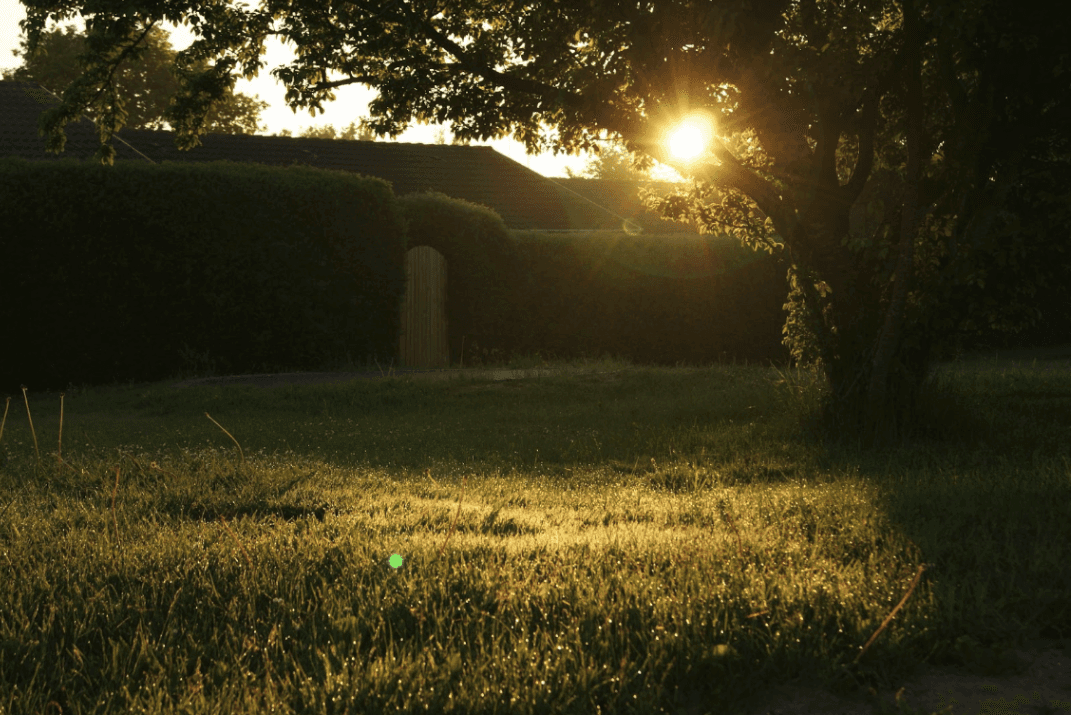
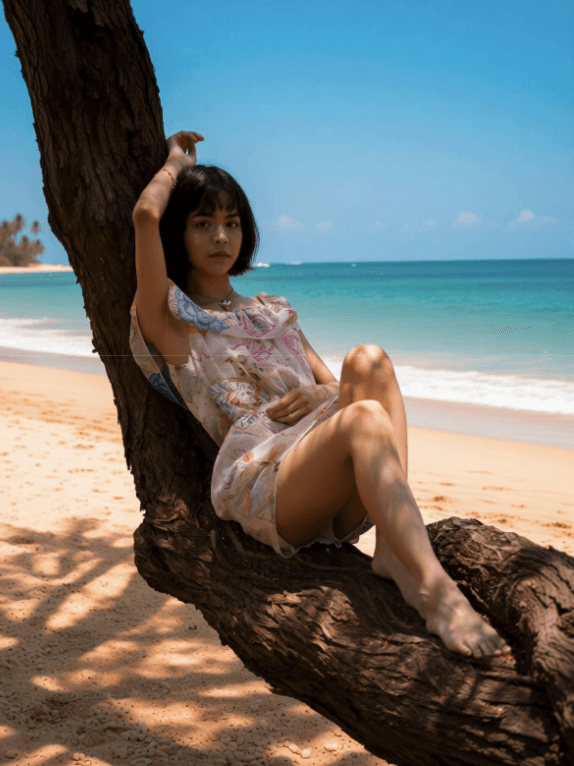
Background Change (1-Image, Prompt-Based)
Generate a new background using a text description.
Useful when you don’t have a reference image and want to describe the background instead.
How it works
Upload one image
Describe the background in the prompt
Example promptReplace the background with a sunny beach scene featuring fine sand, gentle waves, and clear blue sky
Results:
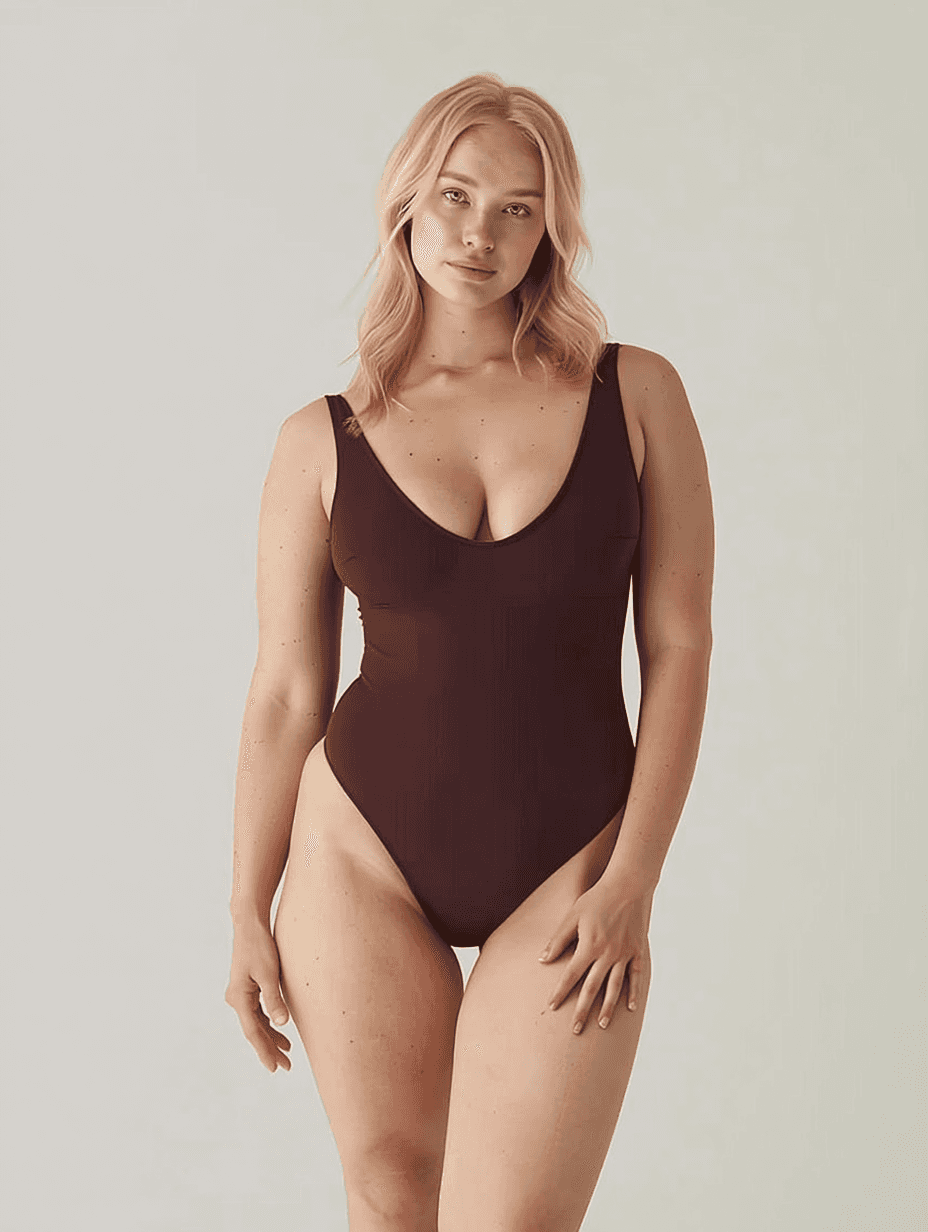
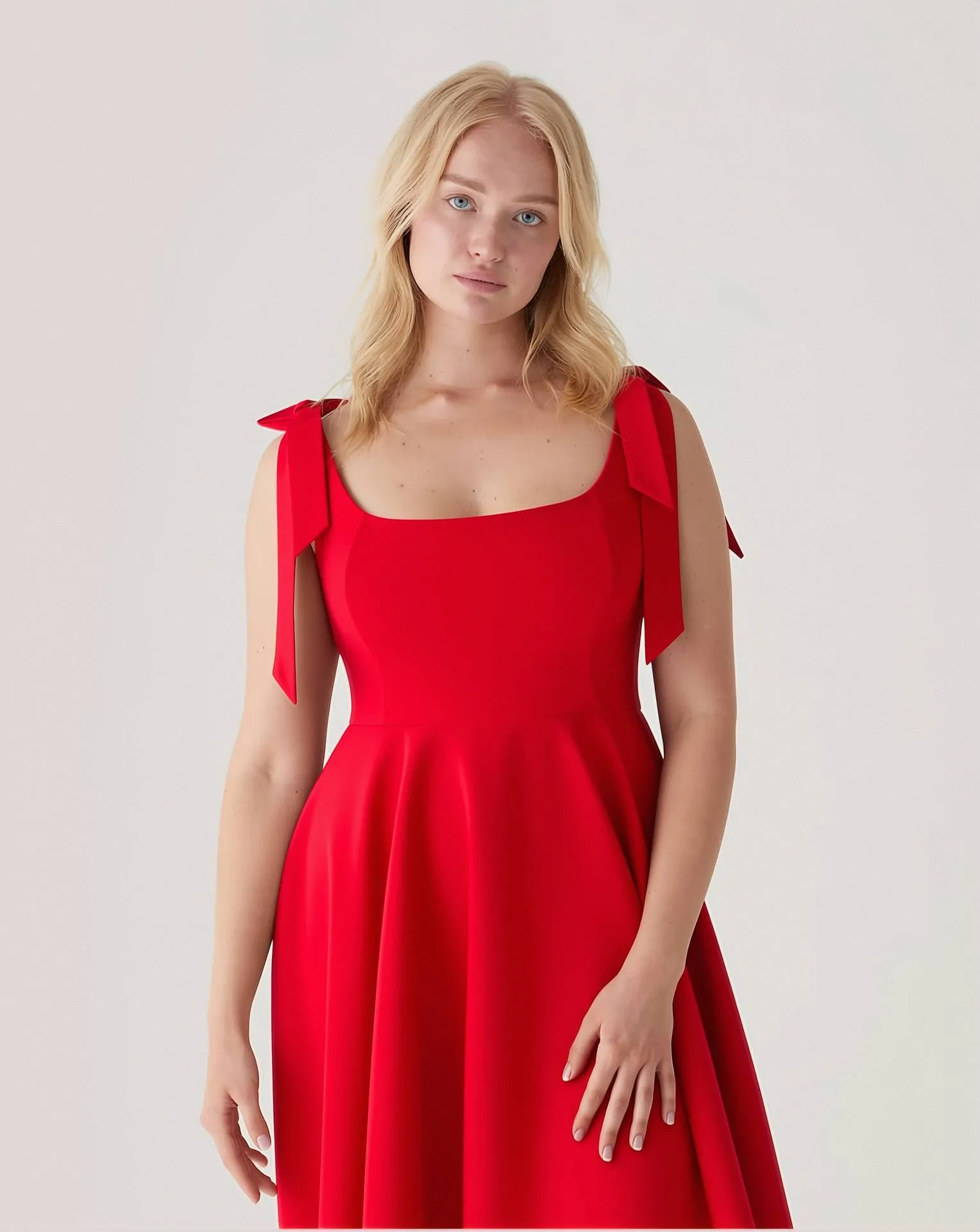
Clothes Try-On (2-Image Workflow)
Apply clothing from one image onto a model in another image.
Useful for visualizing outfits without a photoshoot.
How it works
Upload a model image
Upload a clothing image
Example promptThe woman in Image 1 is wearing the dress from Image 2.
Results:
Product Shot with Appearance Edit
Place a product in a scene and modify its appearance.
You can change colors, contents, or small details of the product.
How it works
Upload a product image
Describe placement and edits in one prompt
Example promptPlace this mug on a office desk next to laptop, notebook and pen. Fill the mug with coffee and add steam rising above the mug. Change the mug color to pink.

Results:
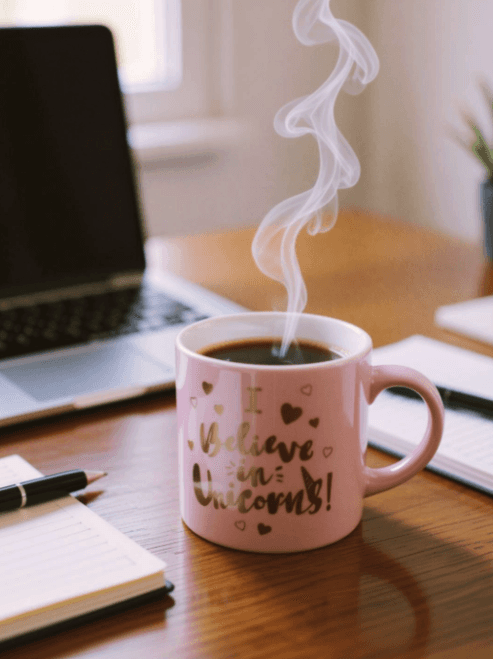

Photo Retouch (Realistic Skin Retouch)
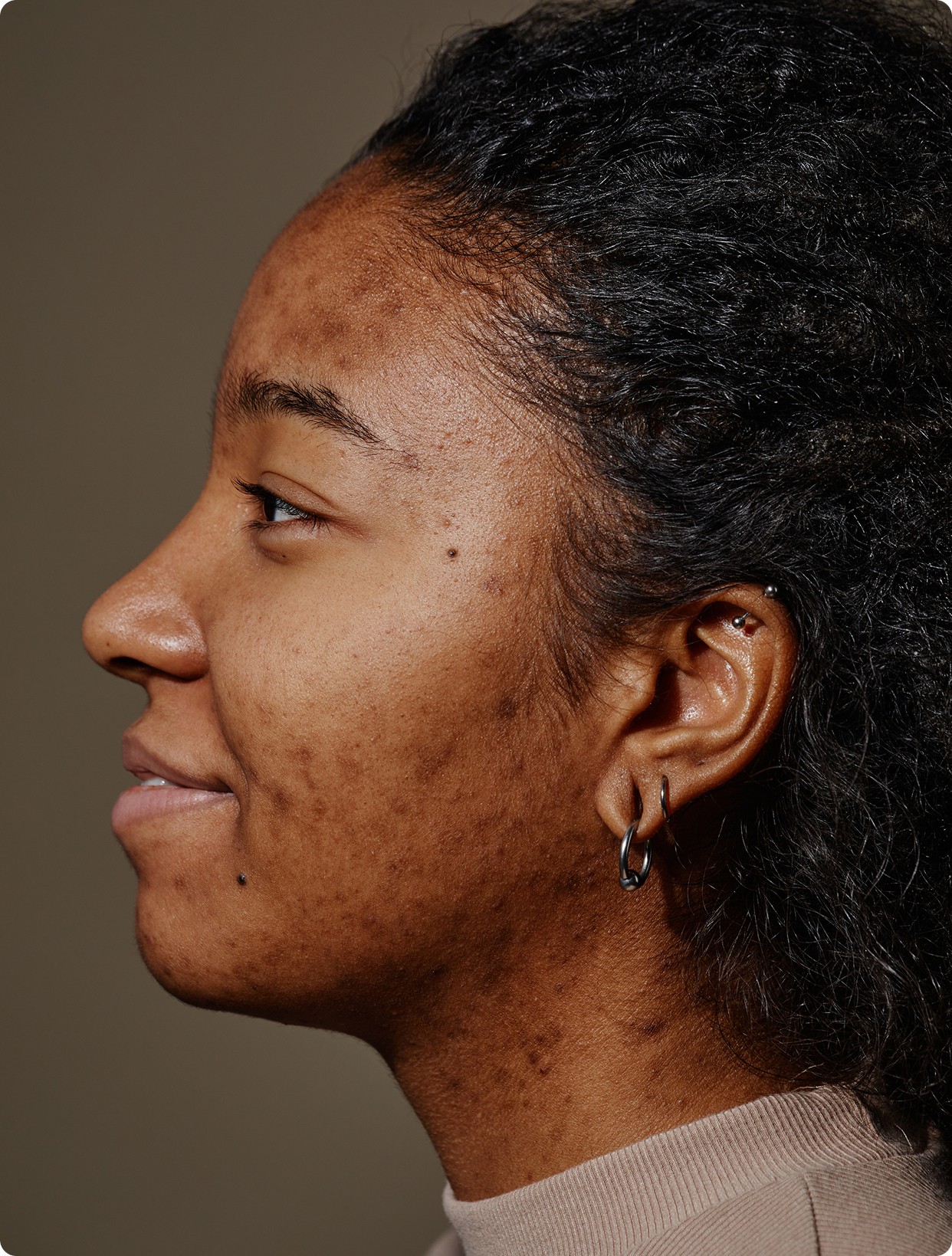
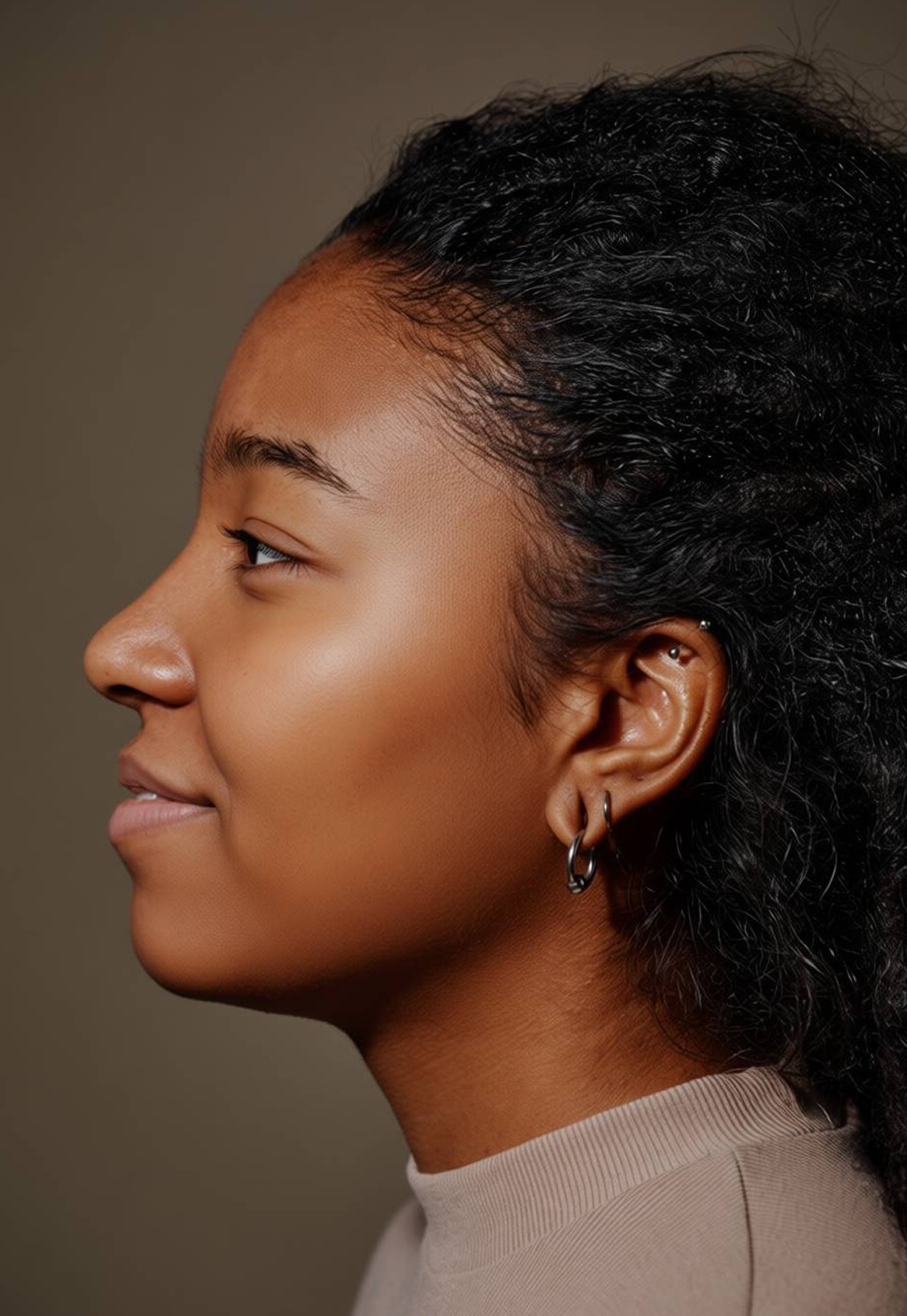
Apply natural-looking photo retouch while preserving skin texture.
This workflow focuses on subtle improvements without losing realism.
How it works
Upload a portrait photo
Describe the retouch in detail
Example promptApply a realistic skin retouch to the male face. Soften blemishes and reduce unevenness while preserving visible pores, freckles, and natural highlights. Remove acne on his cheeks, nose and forehead.
Results:
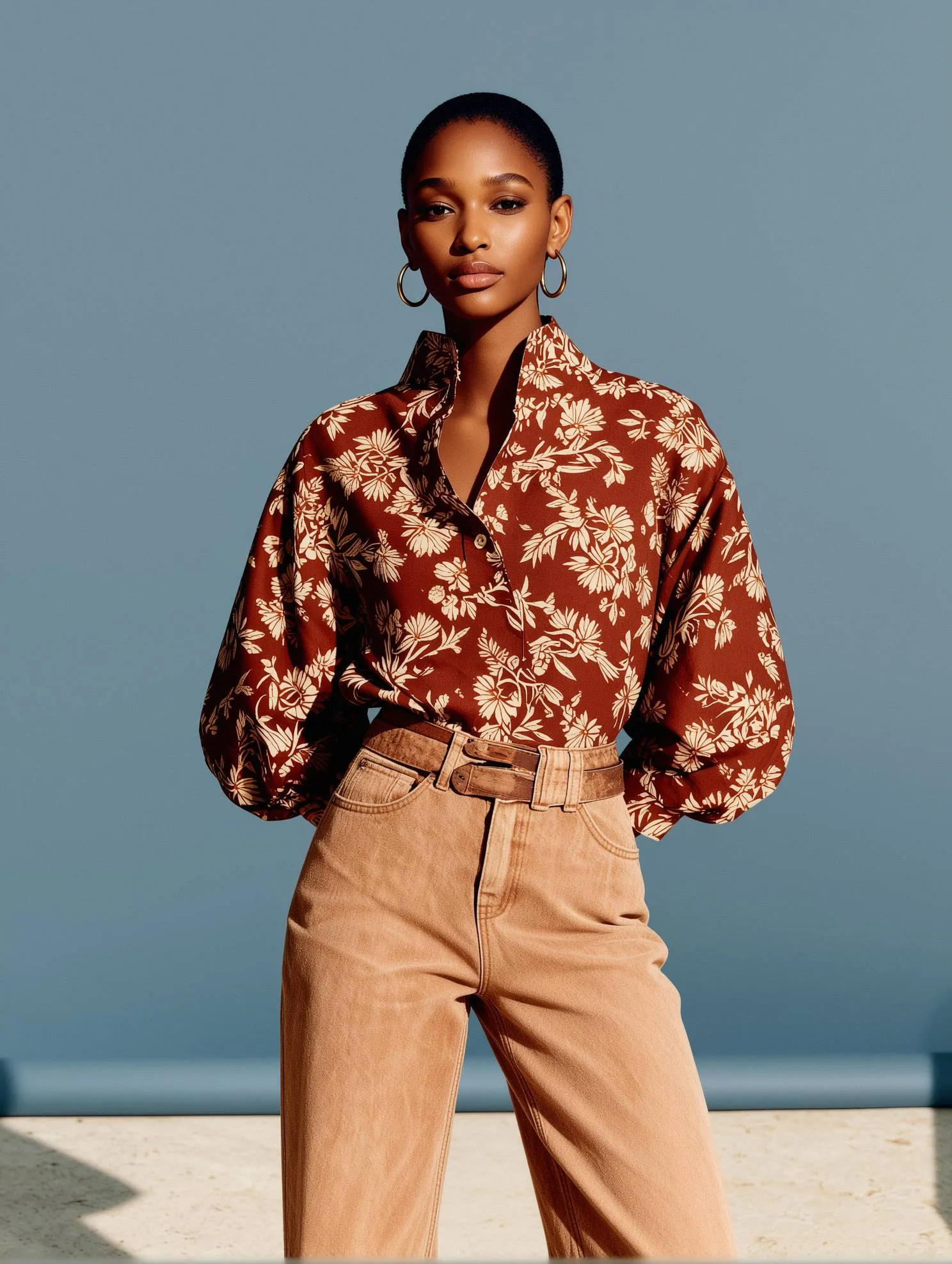
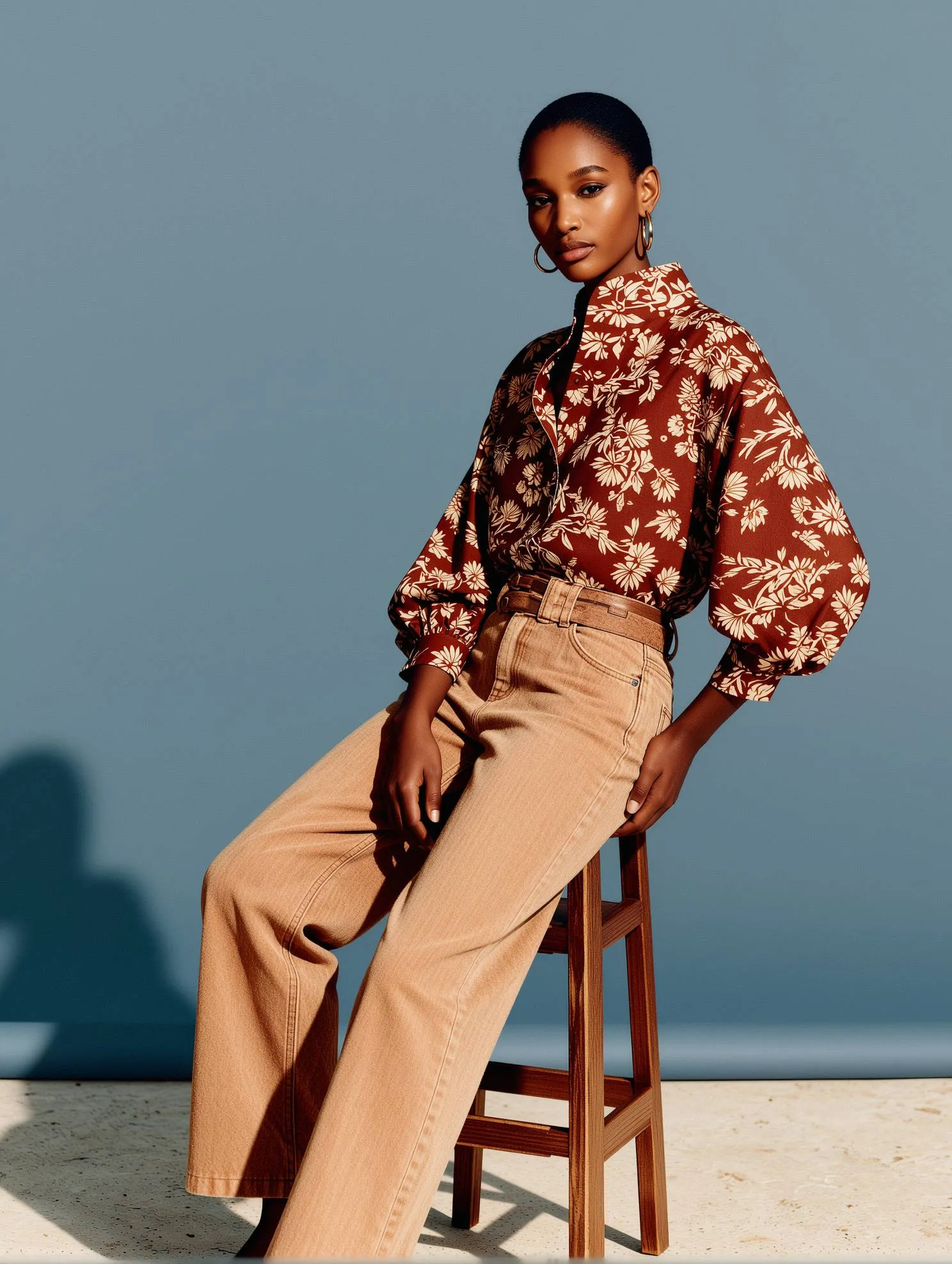
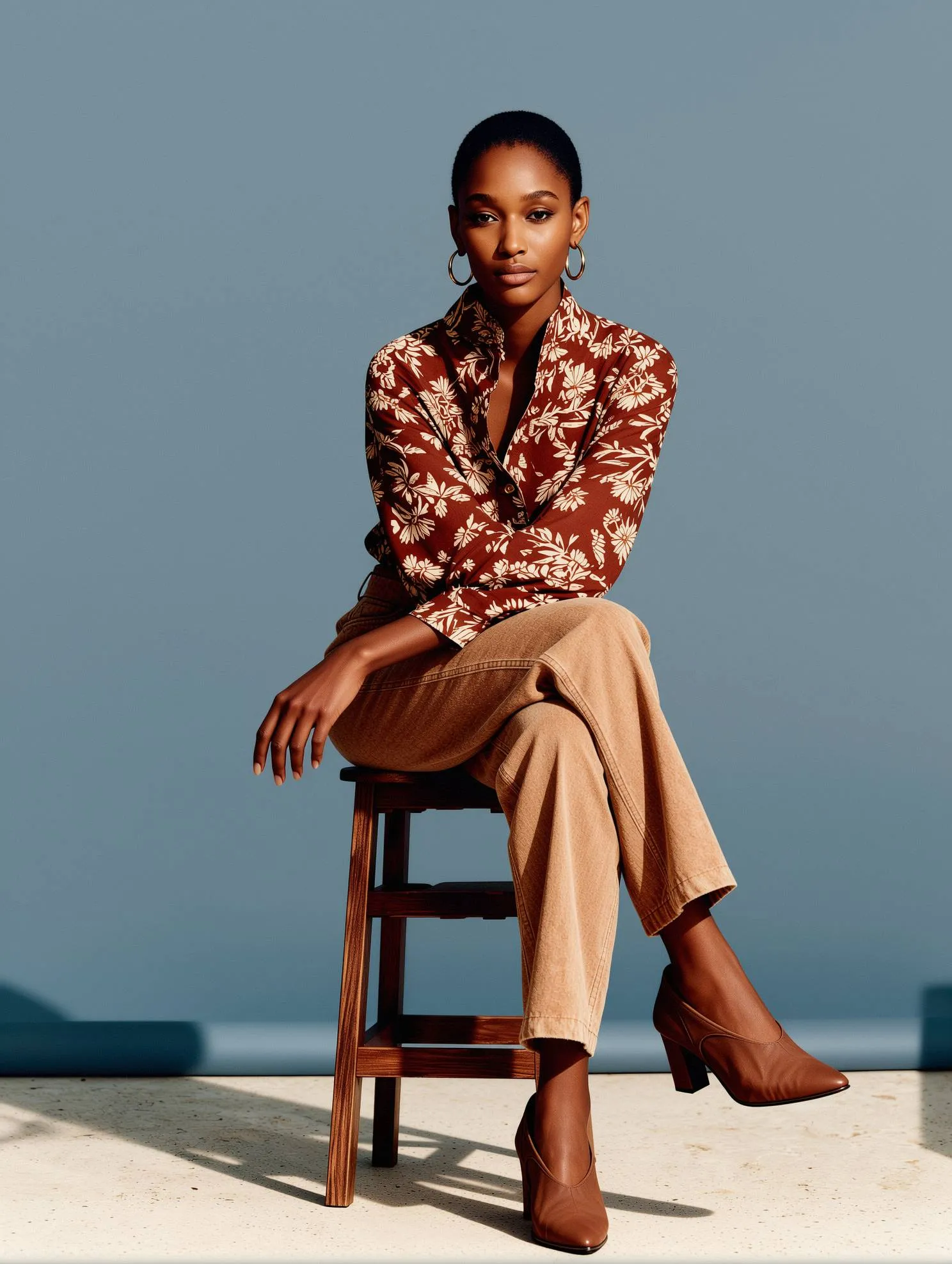
Pose Control
Create multiple images with the same model and outfit while changing only the pose.
Use a reference image to control body position and camera angle, keeping visual consistency across a full set.
Example prompt
Apply a pose from the reference image.White background. Realistic studio lighting and natural shadows.
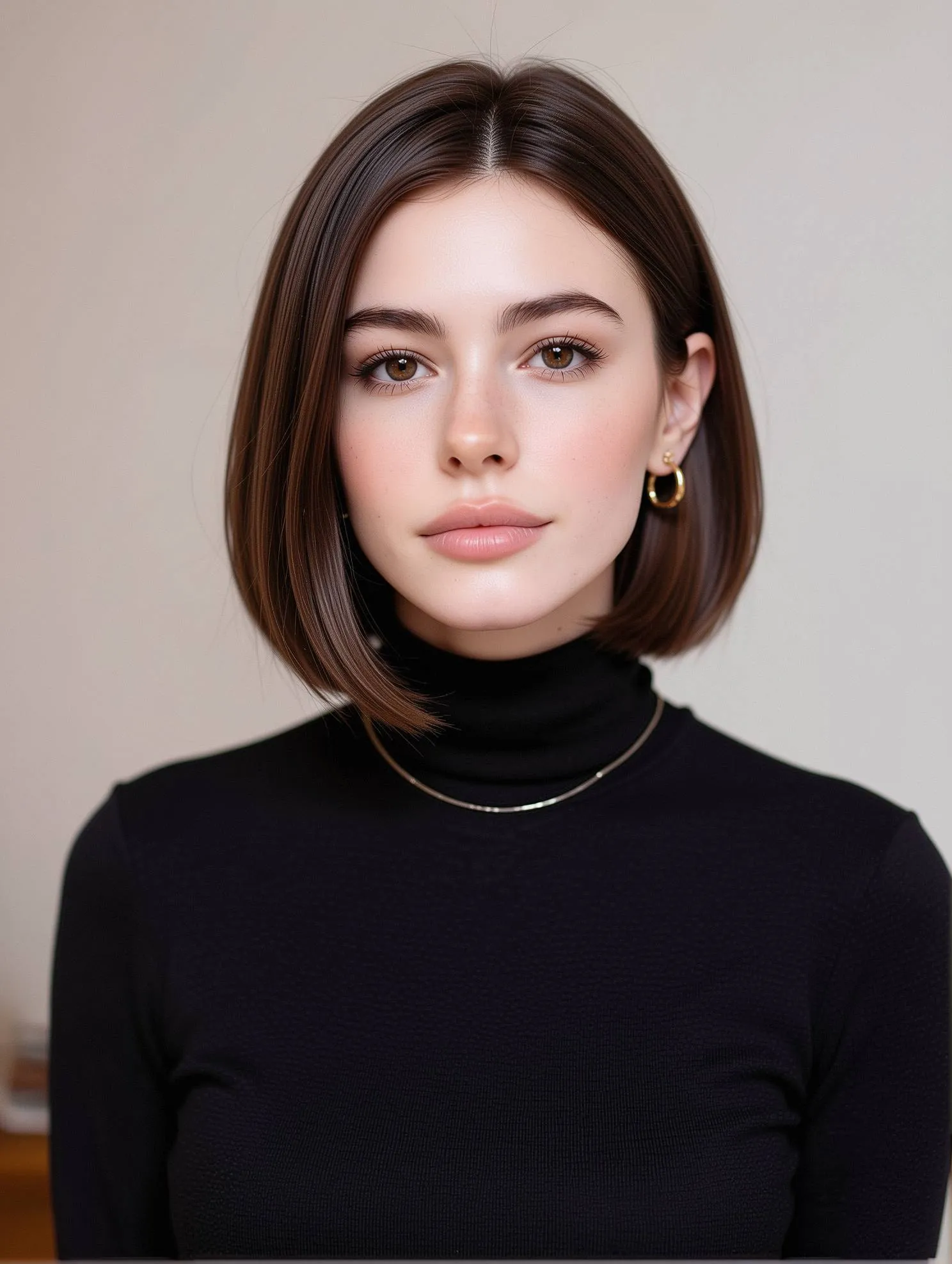
Hairstyle Change
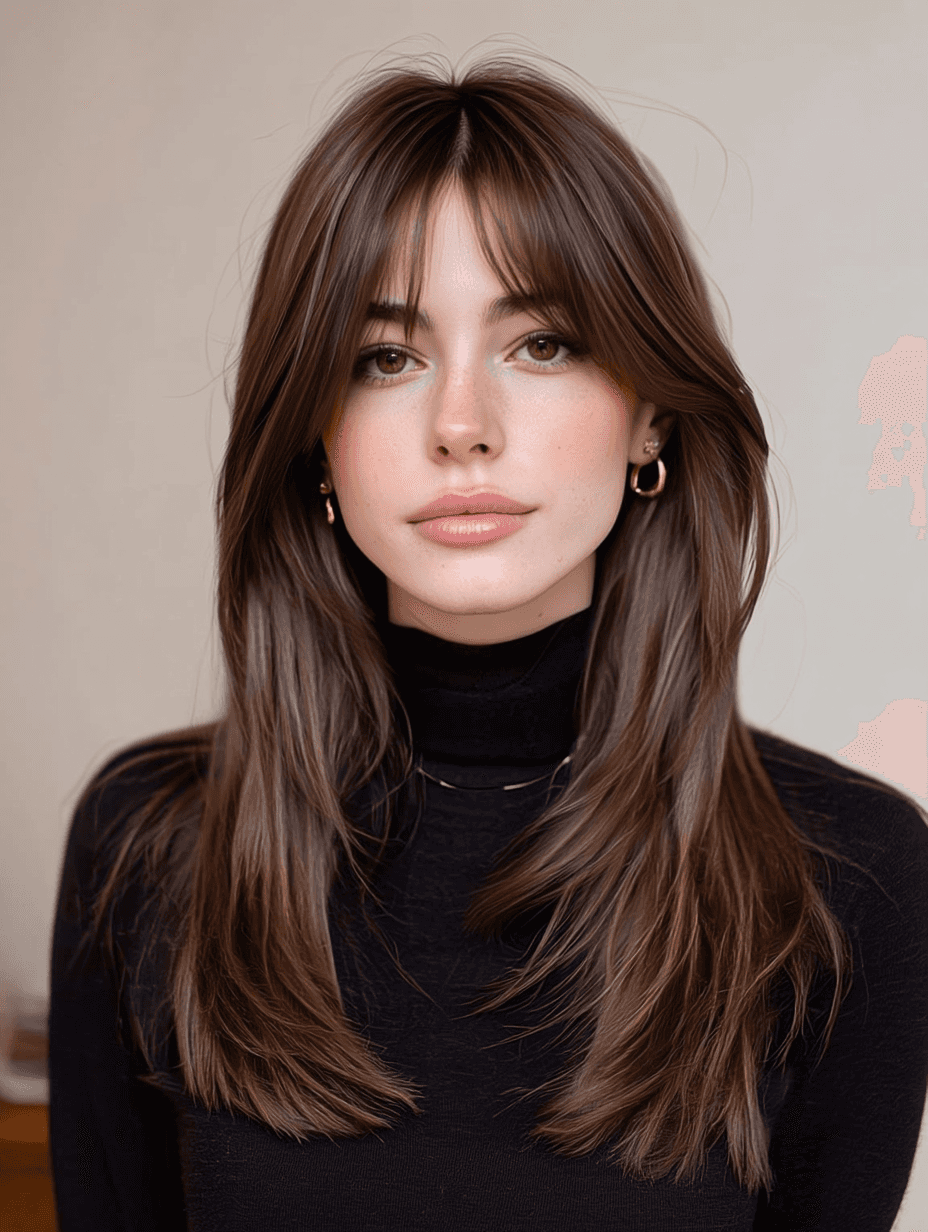
Change hairstyle or hair color using a single image.
Best results are achieved when the hairstyle is clearly described.
How it works
Upload one image
Describe the hairstyle or hair color you want
Example promptChange the hair style to bob cut
Results:
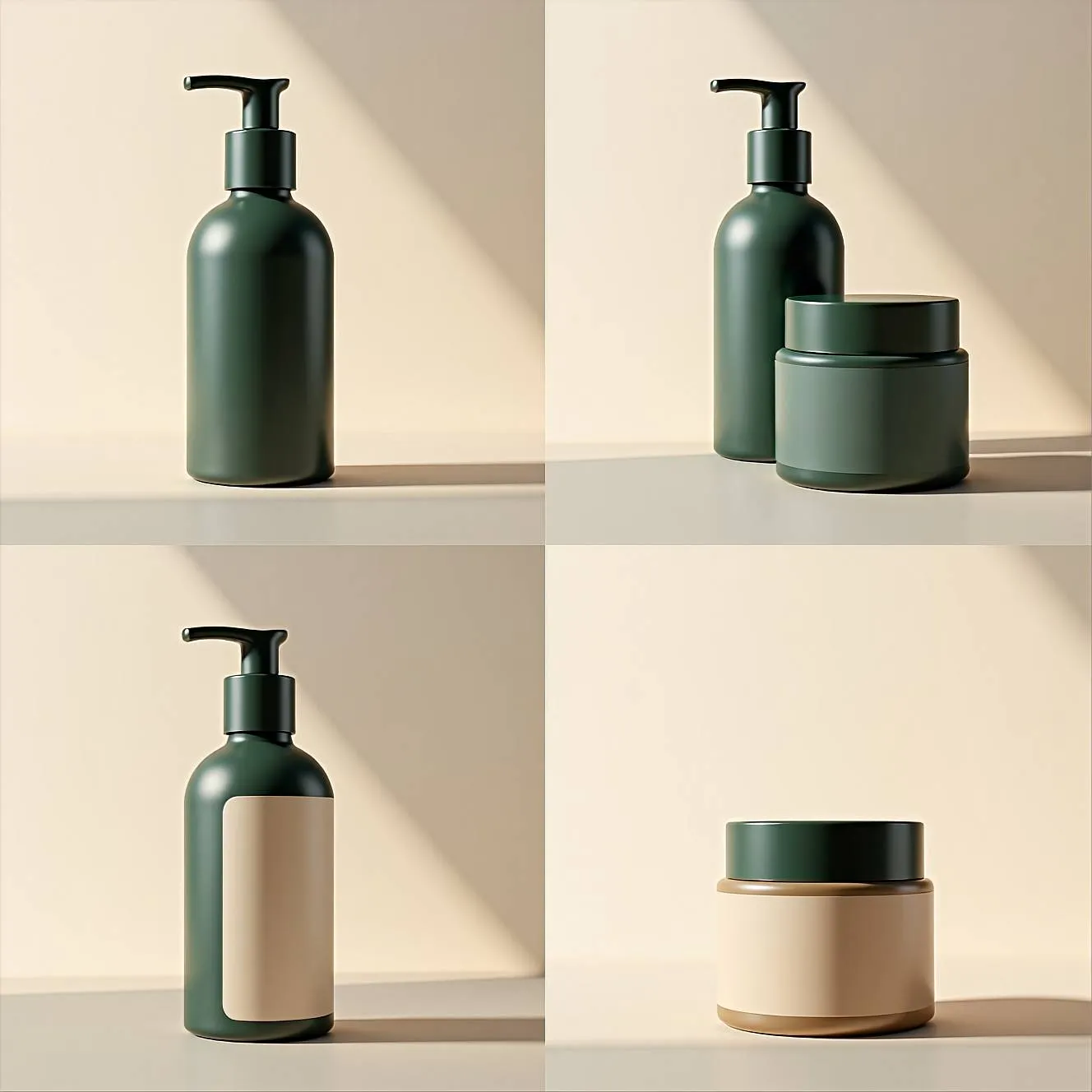
Packaging Prototyping & Variations
Quickly explore packaging forms, materials, and color directions before final design.
Example prompt
Minimalist skincare packaging prototyping set.Matte pump bottle and cosmetic jar with clean, modern proportions.Neutral studio background with soft natural lighting.Earthy color palette: deep sage green, warm beige, off-white.Simple, understated label design with modern sans-serif typography.
Multiple packaging variations presented in a clean four-panel layout. Focus on form, material finish, and color balance rather than branding details. Product concept visuals, not final production assets.
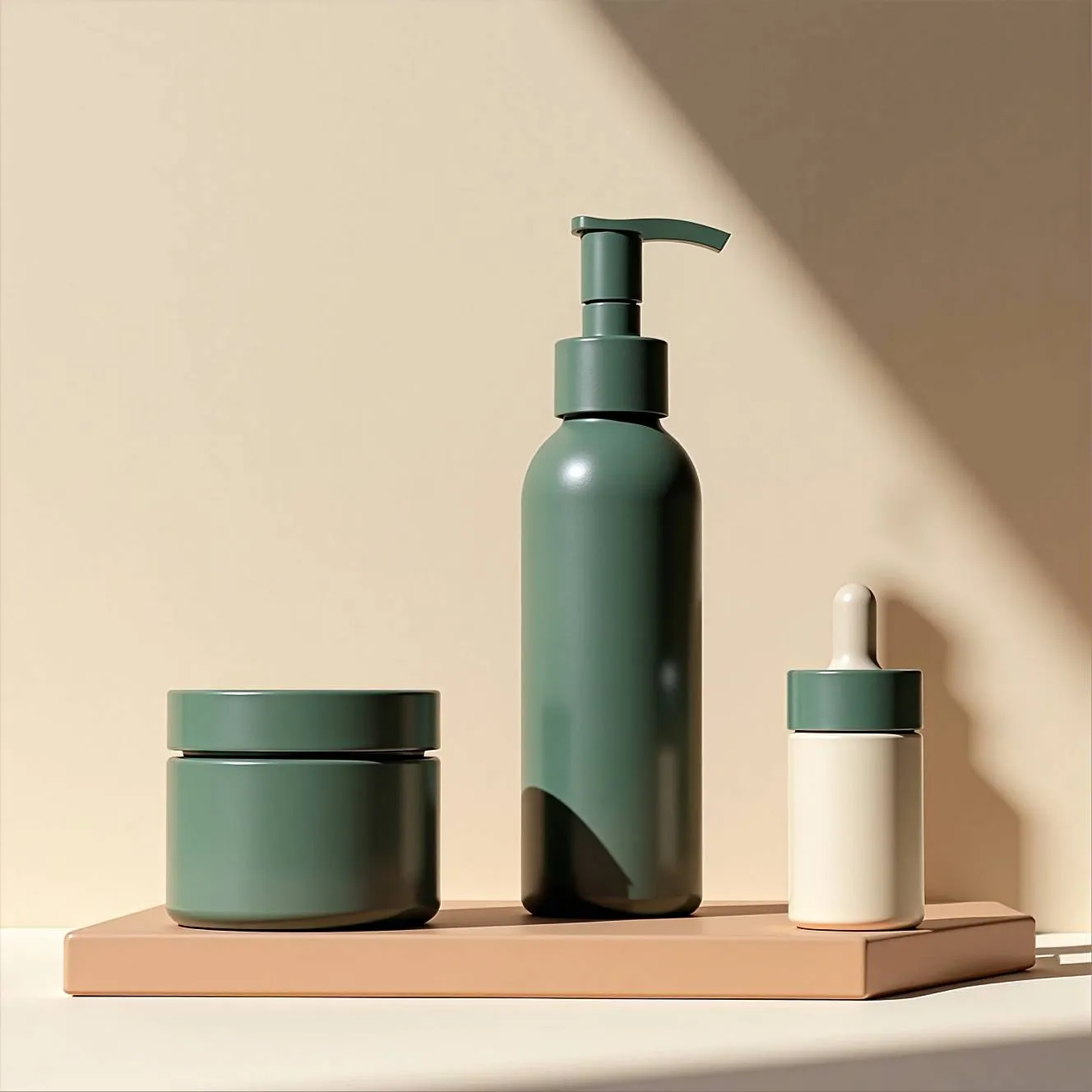
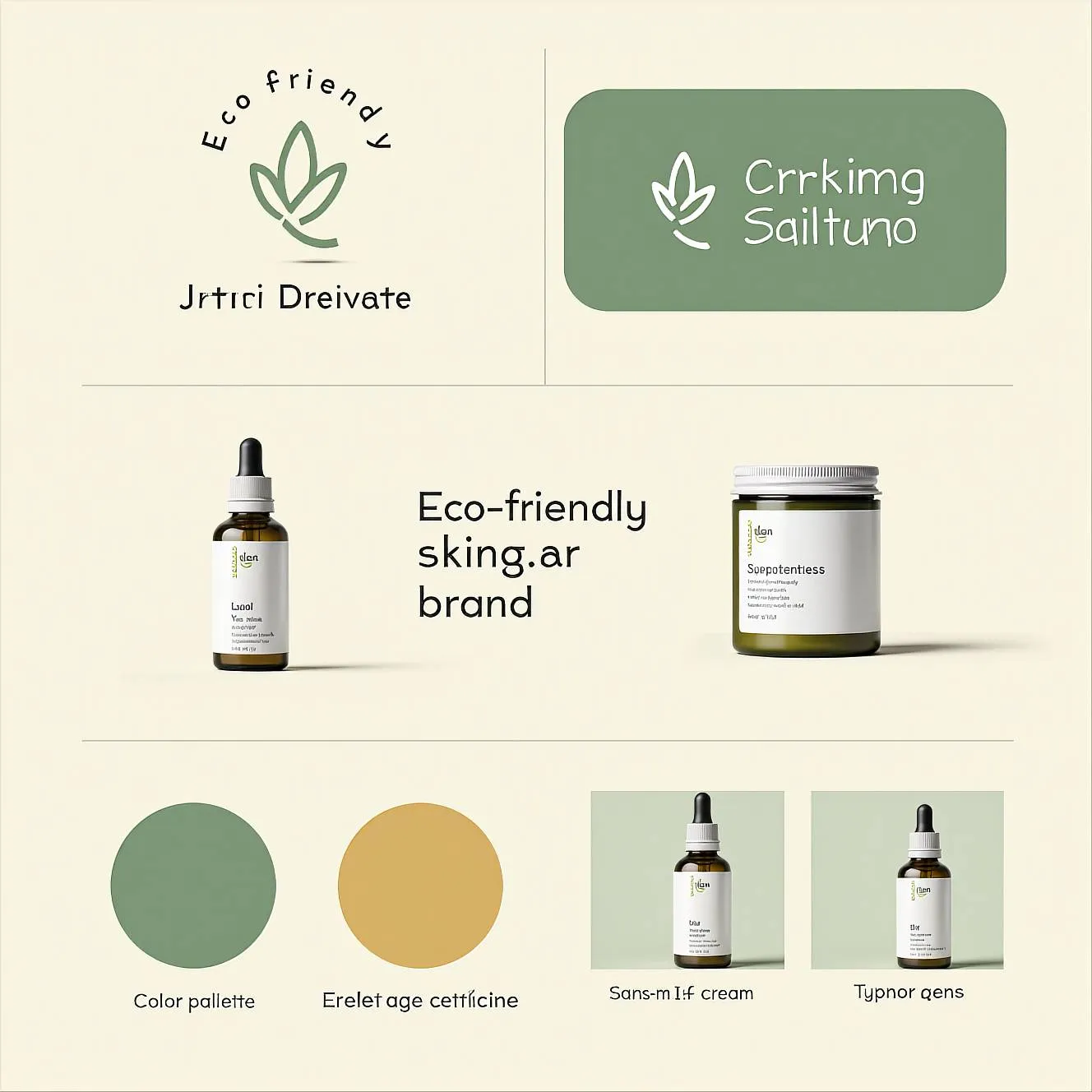
Brand Kit & Visual Identity Design
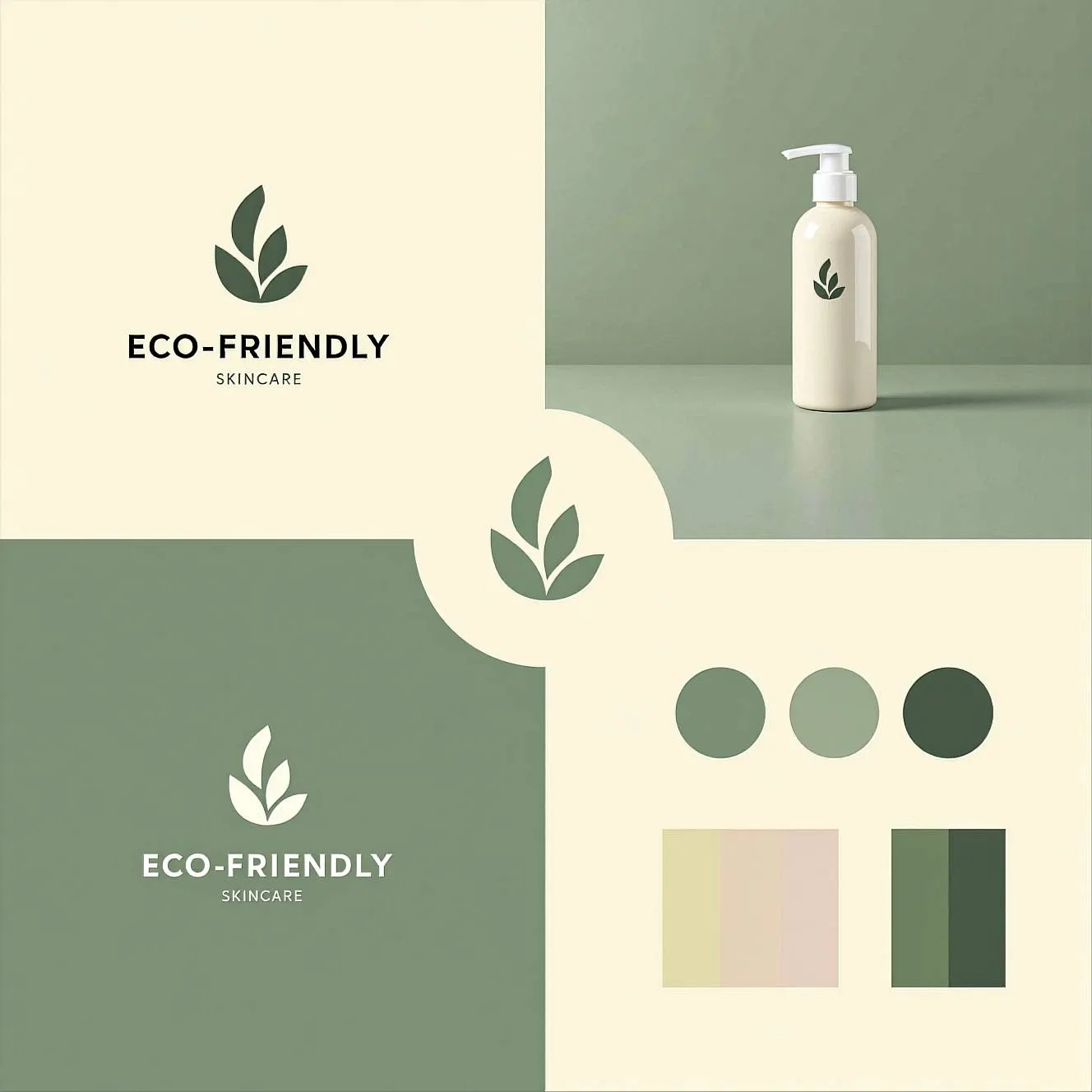
Create a complete brand identity in one cohesive layout.
Perfect for early-stage brands, rebrands, or visual exploration.
Example prompt
Complete minimalist brand kit for an eco-friendly skincare brand.Includes logo design, geometric leaf icon set, color palette swatches, clean modern sans-serif typography samples, and product label mockups. Soft sage green and warm cream color palette. Clear separation of brand elements displayed in a cohesive four-panel layout: logo and icons, color palette, typography system, and packaging mockups. Brand identity board style, not product-only visuals.
Graphic Design
Create a complete brand identity in one cohesive layout.
Perfect for early-stage brands, rebrands, or visual exploration.
Example prompt
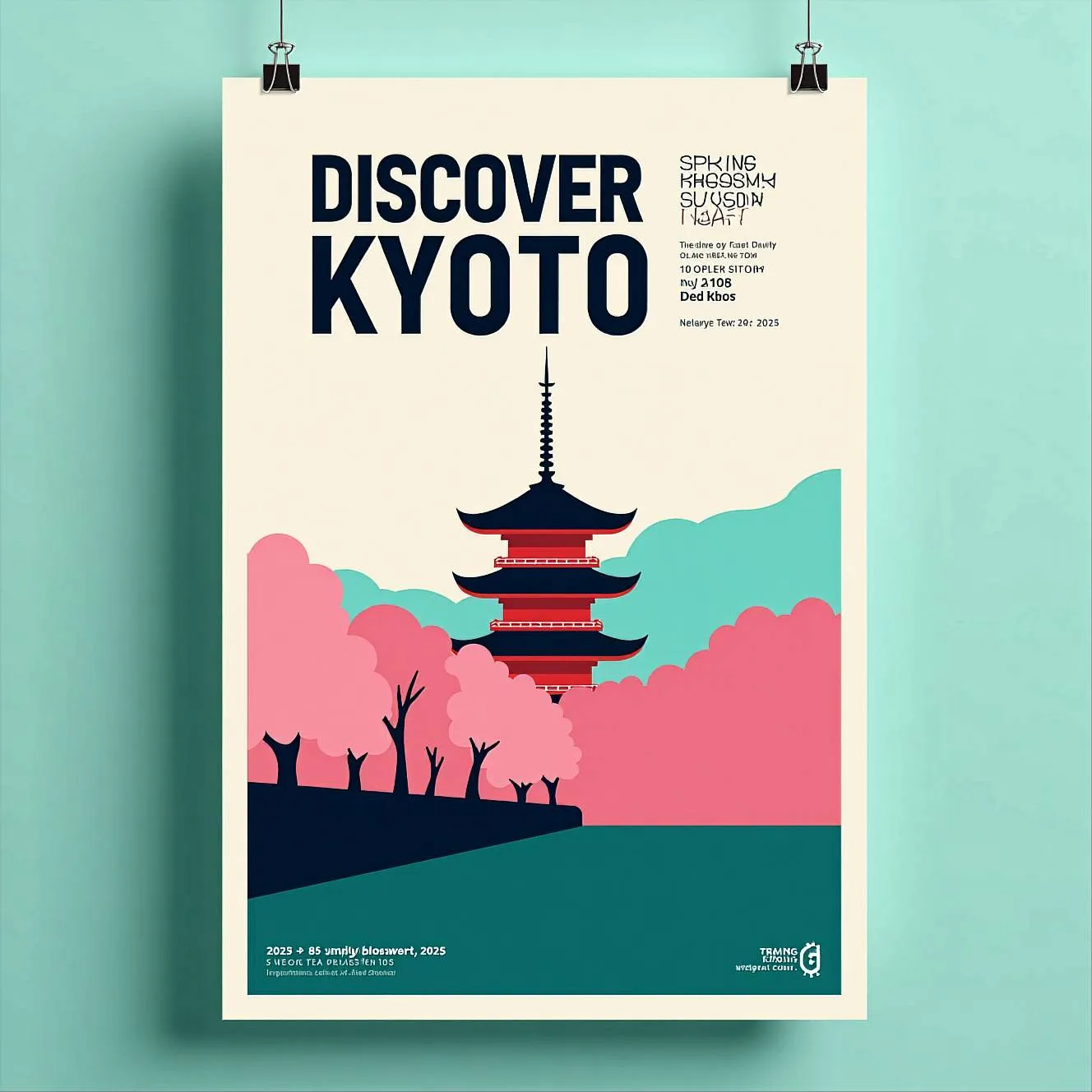
Modern graphic poster design with a strong typographic layout. Large, bold uppercase title “DISCOVER KYOTO” placed prominently at the top, using a clean, heavy sans-serif font with strong vertical proportions. Secondary text “Spring Blossom Tour 2025” set in a smaller minimalist sans-serif, aligned to the grid. Central visual: a stylized photographic composition of a traditional Japanese pagoda, with architectural symmetry emphasized through bold color blocking. Cherry blossom trees rendered in a flat, vibrant pink tone, contrasting with a teal or muted blue foreground plane. Background architecture treated with a monochrome color overlay, not photorealistic. Limited color palette: soft cyan, deep pink, muted teal, and off-white. Flat graphic treatment, poster-like color overlays, no realism. Strong contrast, editorial layout, contemporary cultural poster aesthetic. Inspired by modern museum and exhibition posters, not travel advertising.
Graphic Design
Create a complete brand identity in one cohesive layout.
Perfect for early-stage brands, rebrands, or visual exploration.
Example prompt
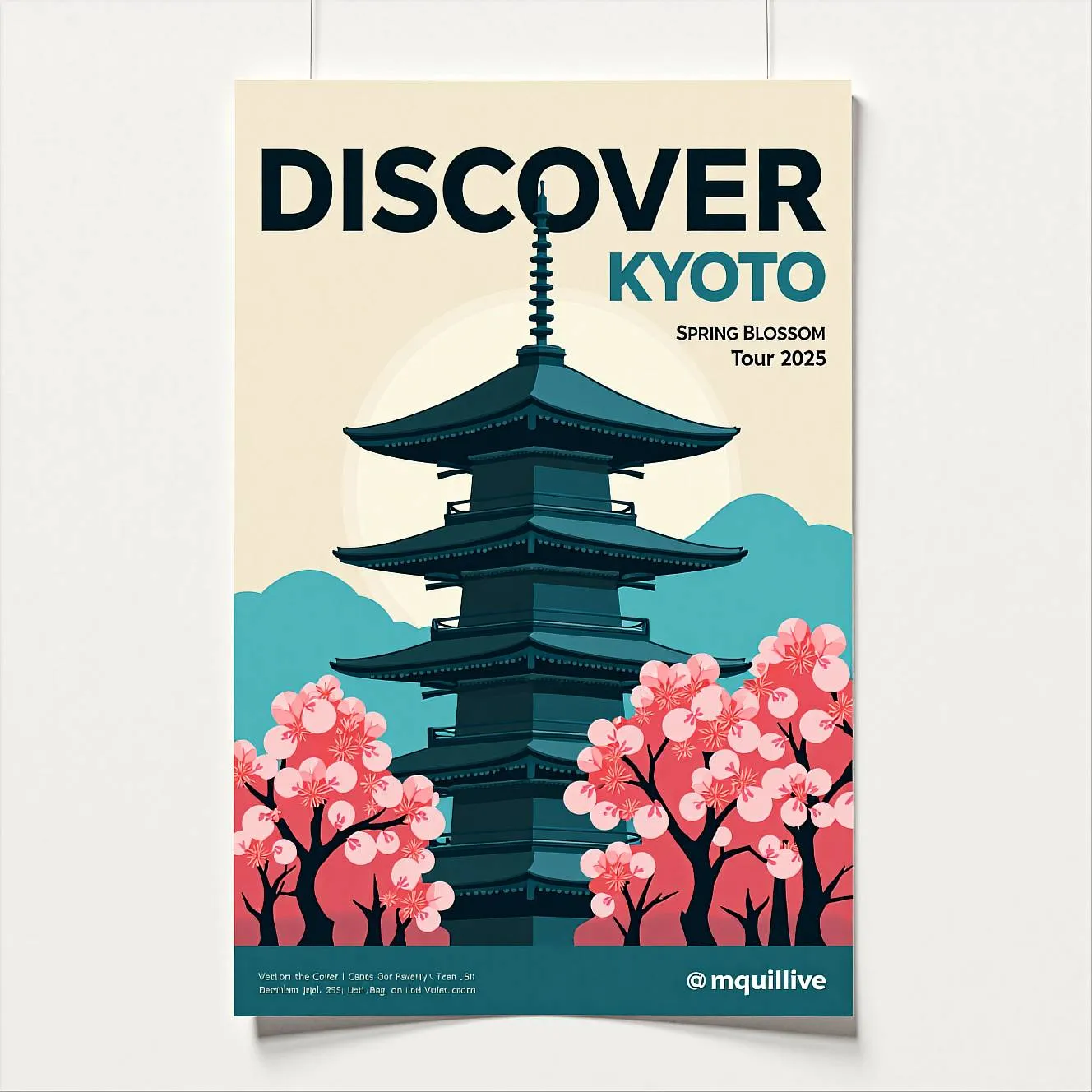
Modern graphic poster design with a strong typographic layout. Large, bold uppercase title “DISCOVER KYOTO” placed prominently at the top, using a clean, heavy sans-serif font with strong vertical proportions. Secondary text “Spring Blossom Tour 2025” set in a smaller minimalist sans-serif, aligned to the grid. Central visual: a stylized photographic composition of a traditional Japanese pagoda, with architectural symmetry emphasized through bold color blocking. Cherry blossom trees rendered in a flat, vibrant pink tone, contrasting with a teal or muted blue foreground plane. Background architecture treated with a monochrome color overlay, not photorealistic. Limited color palette: soft cyan, deep pink, muted teal, and off-white. Flat graphic treatment, poster-like color overlays, no realism. Strong contrast, editorial layout, contemporary cultural poster aesthetic. Inspired by modern museum and exhibition posters, not travel advertising.
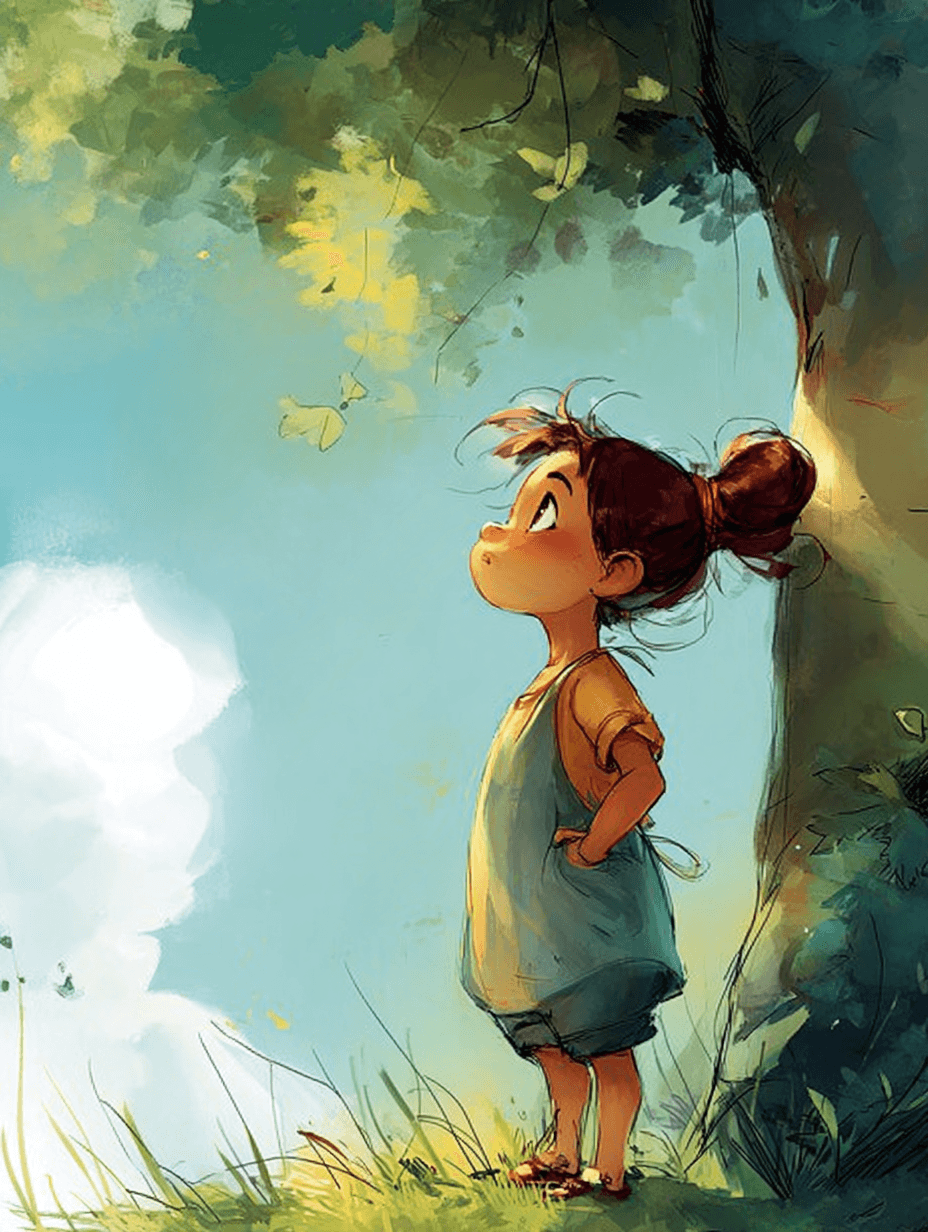
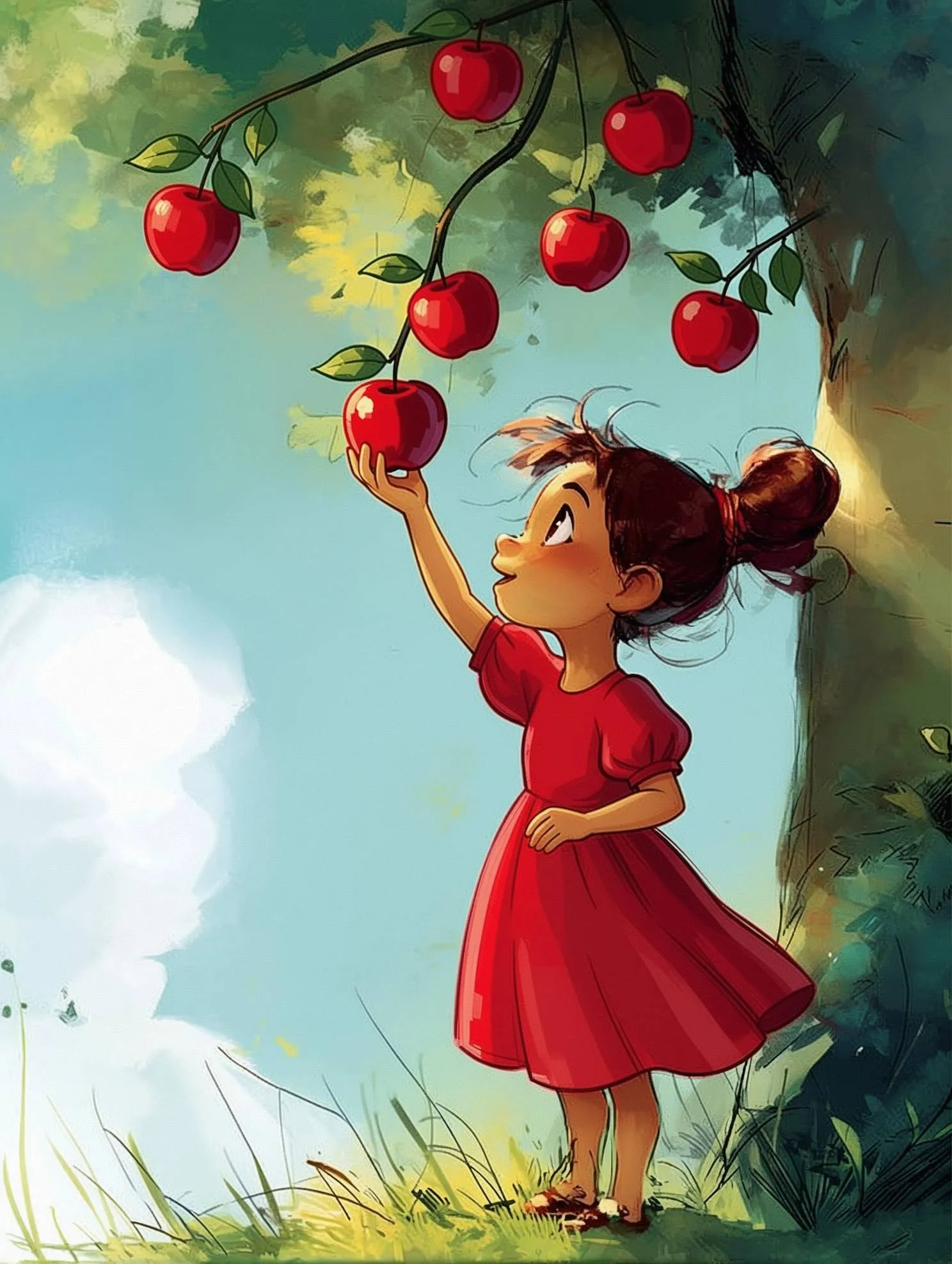
Keep illustrated characters consistent
Create or edit illustrations
Example prompt
Change the girl’s outfit to a red dress. Add apples hanging on the tree, and make the girl reach for one apple.