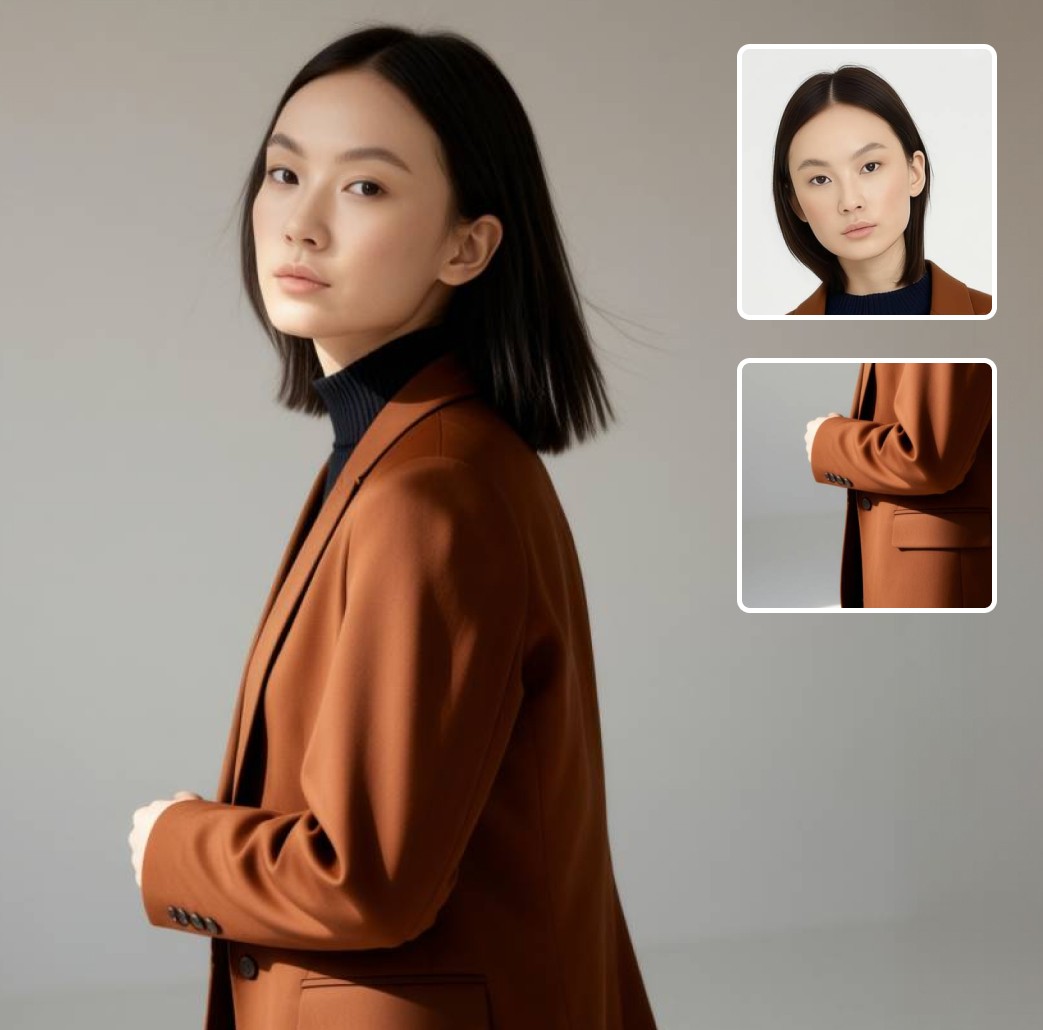
Text-to-Image

AI Generator

Type a description and generate images with AI. Use Enhance Prompt to refine your idea, create multiple variations, and export images in ready-made formats for social media and other use cases.

Type a description and generate images with AI. Use Enhance Prompt to refine your idea, create multiple variations, and export images in ready-made formats for social media and other use cases.

Text-to-Image

AI Generator

Gleem.AI Studio

Gleem.AI Studio

Gleem.AI Studio

Gleem.AI Studio

Turns simple text
into stunning visuals.

Turns simple text
into stunning visuals.

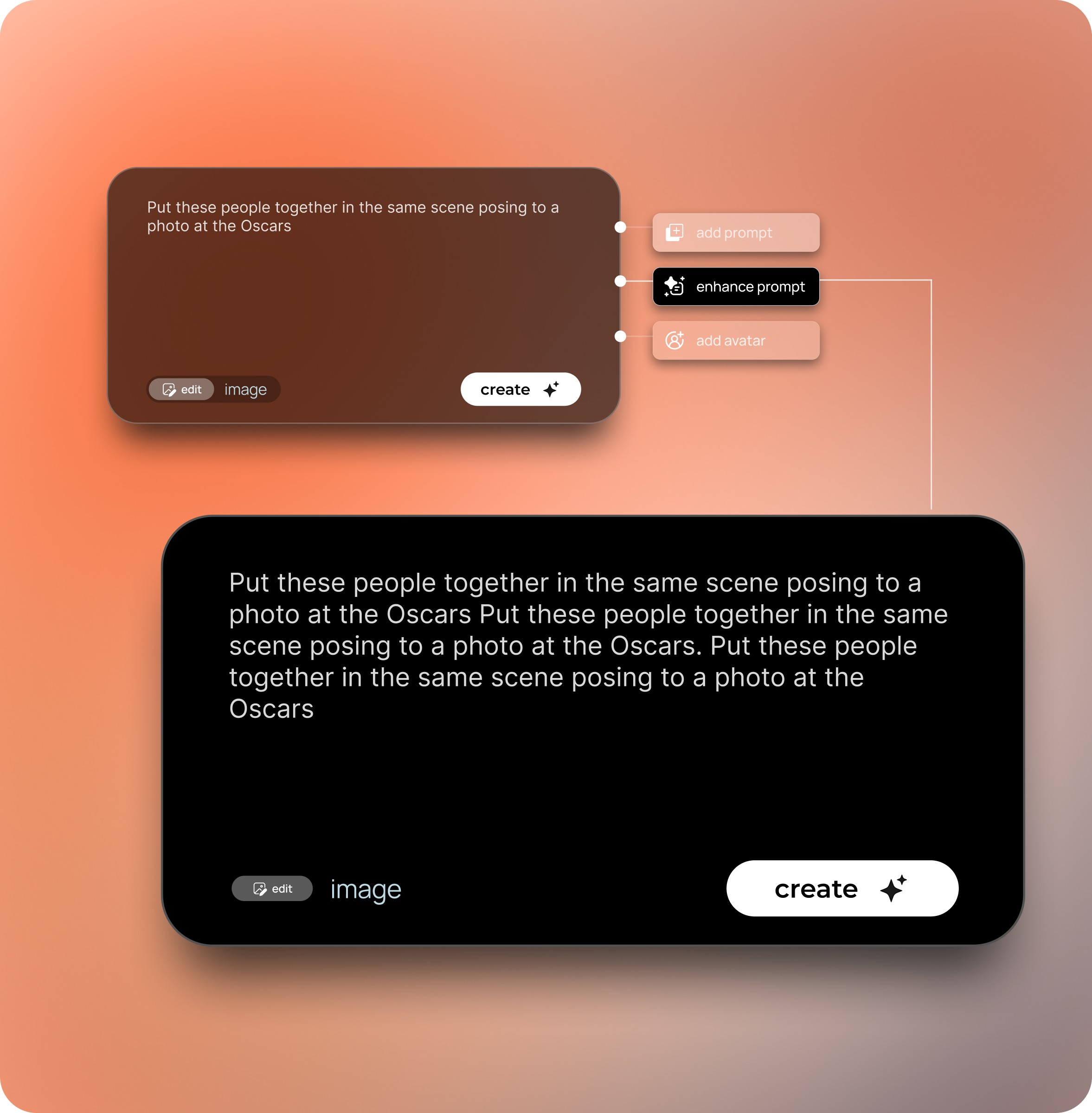
Start with a short phrase, like “a small bird on a bench,” then click Enhance Prompt to have the system expand it and generate the image.

Start with a short phrase, like “a small bird on a bench,” then click Enhance Prompt to have the system expand it and generate the image.

Why choose Gleem.AI Studio for image generation?

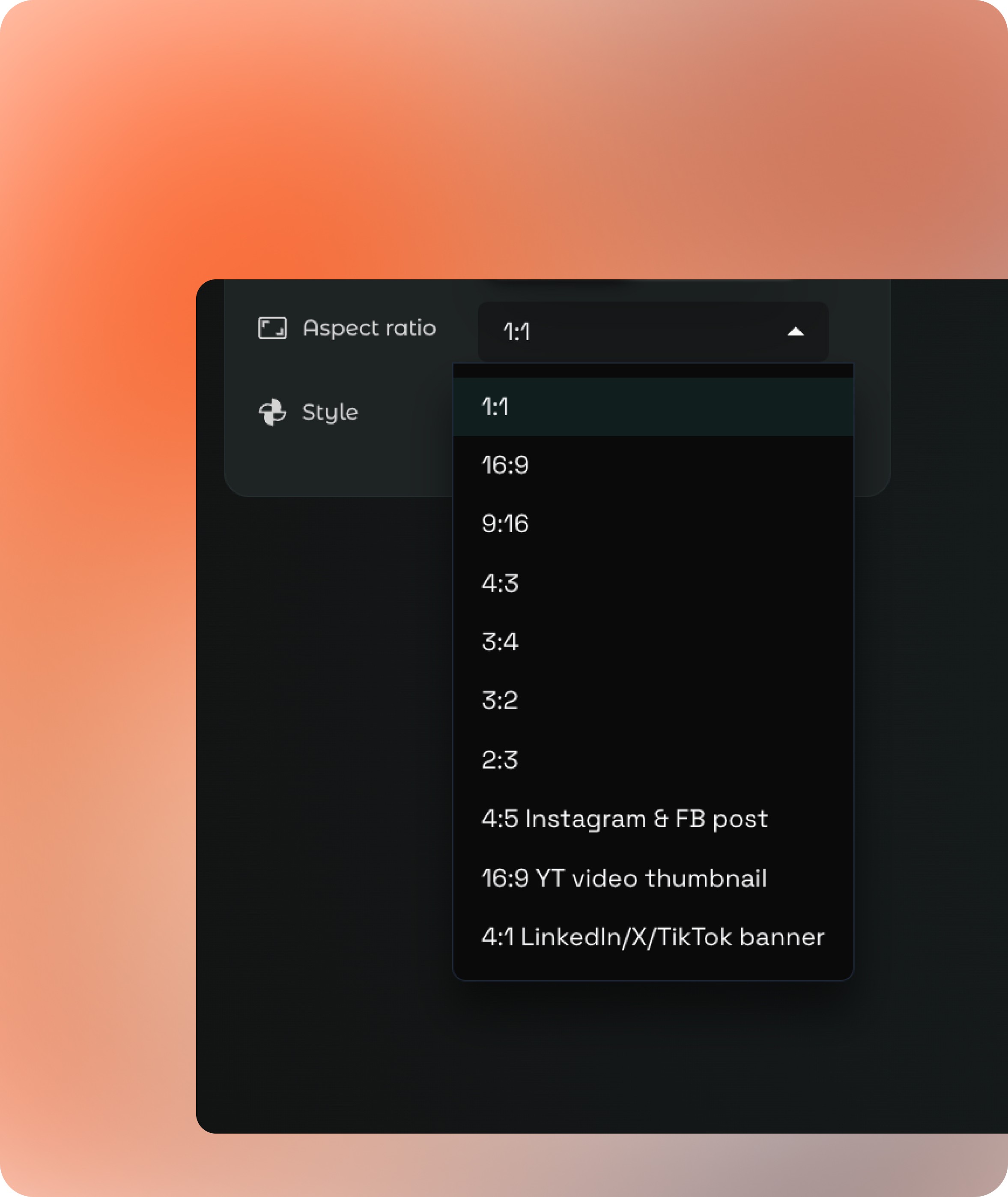
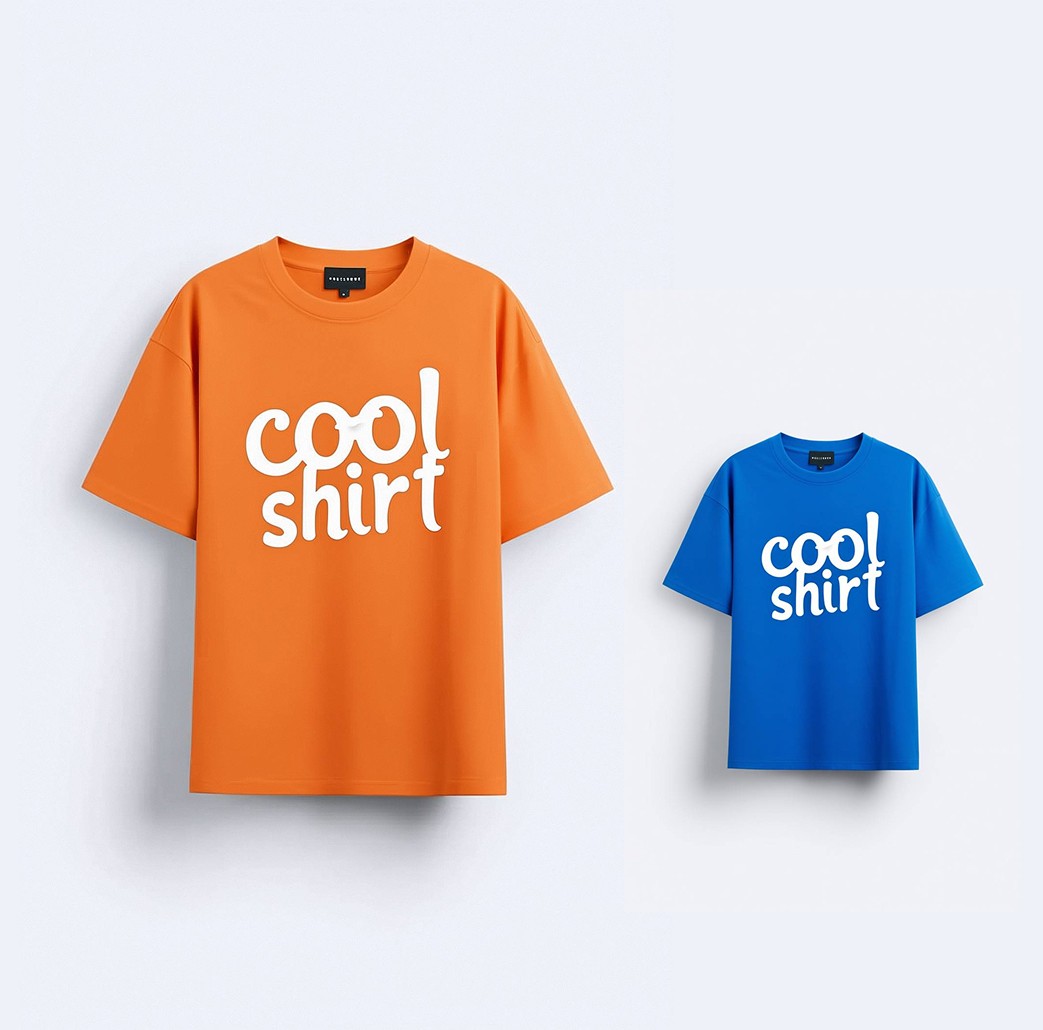
Choose the right aspect ratio for any platform

Choose the right aspect ratio for any platform

Generate images in the exact format you need from the start. No cropping, no resizing later. Select the aspect ratio that fits your use case and platform.

✓ 1:1 for product and social posts
✓ 16:9 for websites and YouTube
✓ 9:16 for reels and TikTok
✓ 4:5 for Instagram posts
✓ platform-ready presets

Control the visual style

Control the visual style

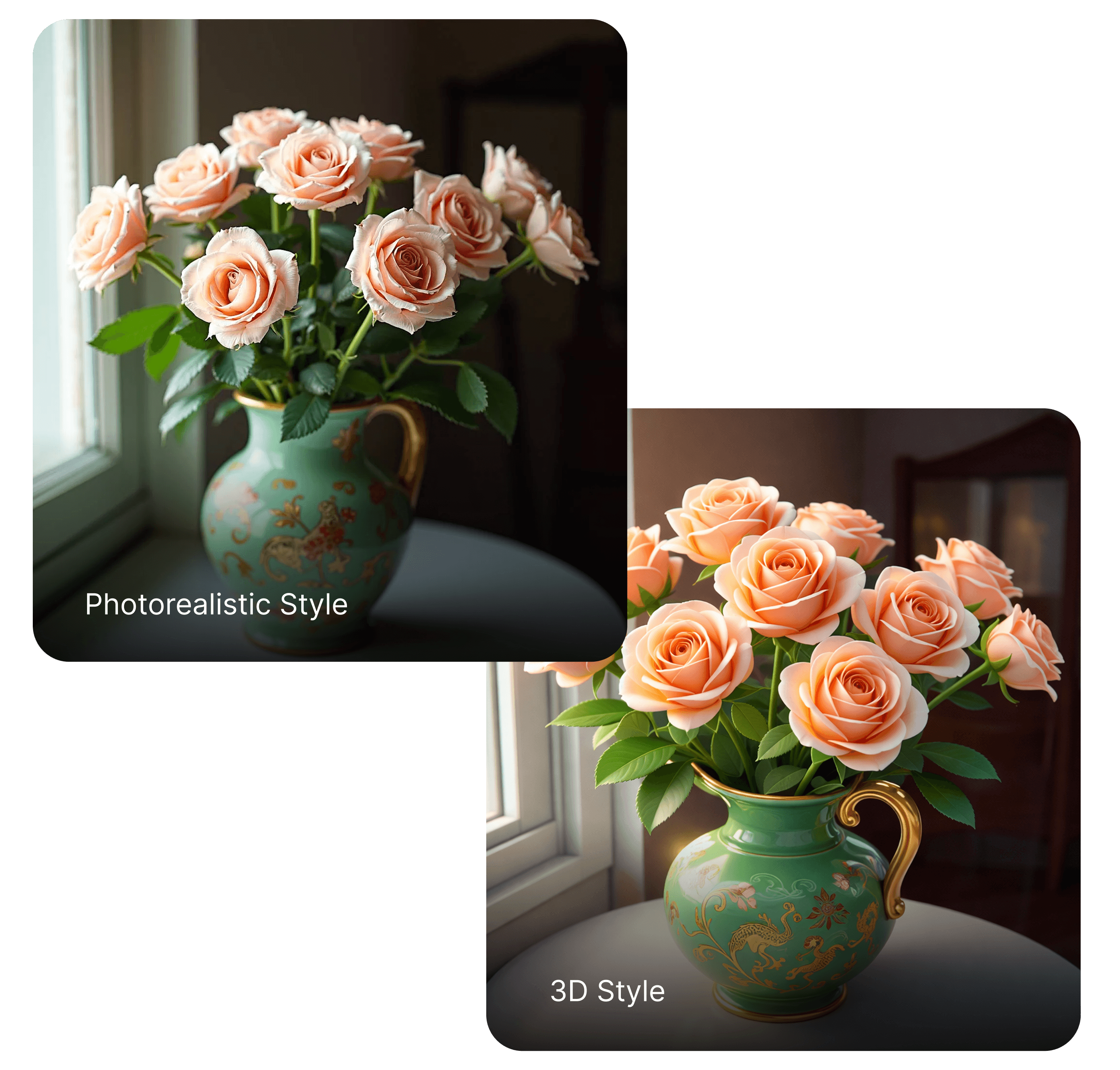
Define the look and feel of your image before you generate. Whether you want something clean and studio-like, cinematic and dramatic, or soft and editorial, Gleem adapts the output to match your creative direction.
Enhance your prompt automatically

Enhance your prompt automatically

Not sure how to describe your idea? Use enhance prompt to expand and refine your input. Gleem adds visual detail, structure, and context to improve realism and composition without requiring prompt engineering skills.

✓ expands short prompts
✓ improves lighting and composition
✓ adds contextual detail
✓ optimized for better generation results
FAQ

What is a text-to-image AI generator?

A text-to-image AI generator creates images from written prompts. You simply describe the scene, style, or subject you want, and the AI generates a new image based on that description. Gleem turns text prompts into high-quality visuals in seconds.

How do I generate images from text in Gleem?

Enter a prompt describing the image you want, choose the aspect ratio or style, and click generate. Gleem’s AI interprets the description and produces a new image that matches the prompt. You can regenerate or refine the prompt to explore different variations.

What types of images can I create with text-to-image AI?

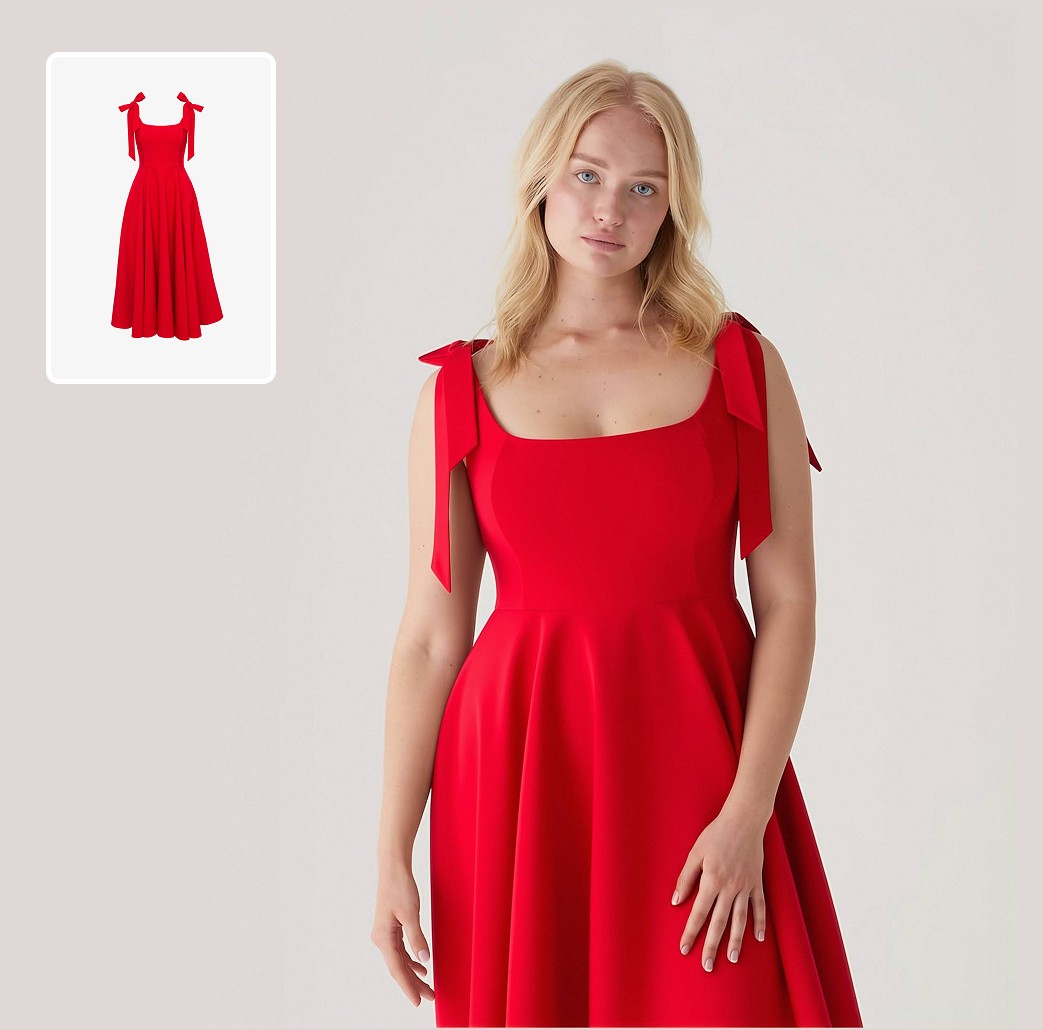
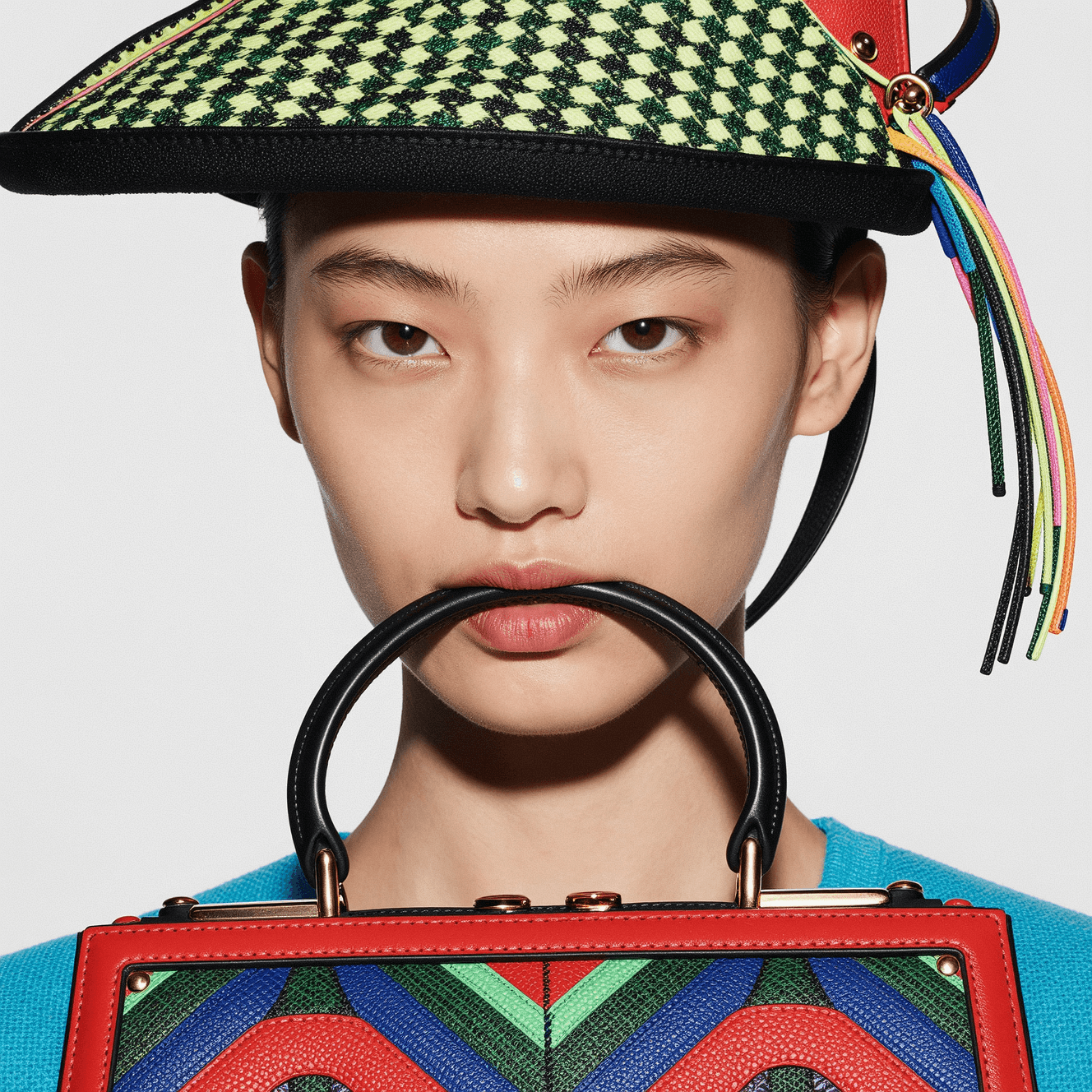
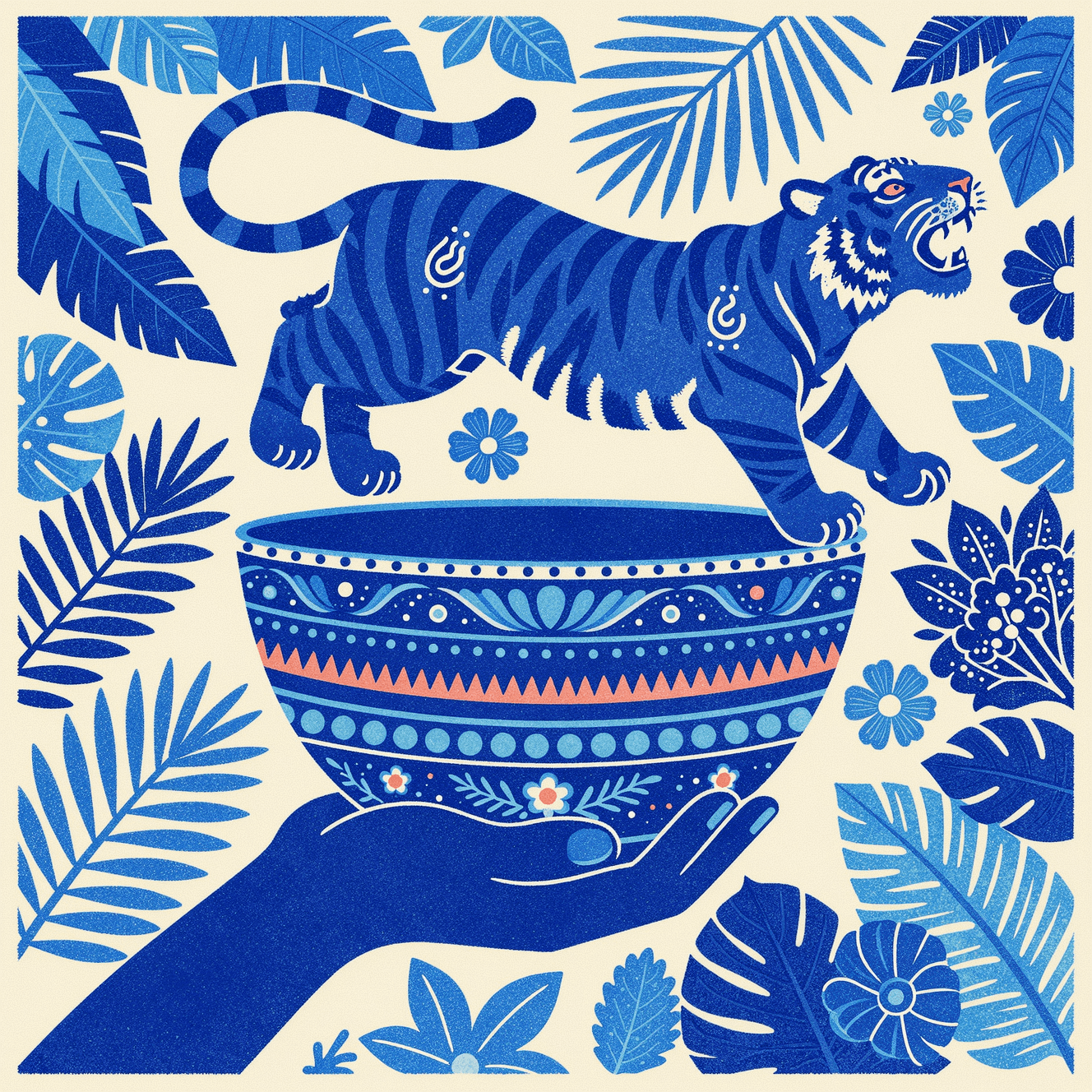
You can generate product images, portraits, fashion photos, illustrations, concept art, marketing visuals, and social media graphics. Gleem supports both photorealistic and artistic styles so you can quickly create visuals for different creative workflows.

How can I get better results from my prompts?

Be specific about the subject, setting, lighting, and style. For example, instead of writing “a woman,” try “studio portrait of a woman, soft lighting, neutral background, fashion photography.” Clear prompts help the AI produce more accurate images.

What is Prompt Enhance and how does it improve my prompts?

Prompt Enhance automatically expands and refines your prompt to generate better results. Instead of manually adding details about style, lighting, composition, or camera settings, Gleem enhances your prompt to include them automatically. This helps the AI produce more realistic, detailed, and visually balanced images even from short descriptions.

Take your AI creative workflow to the next level

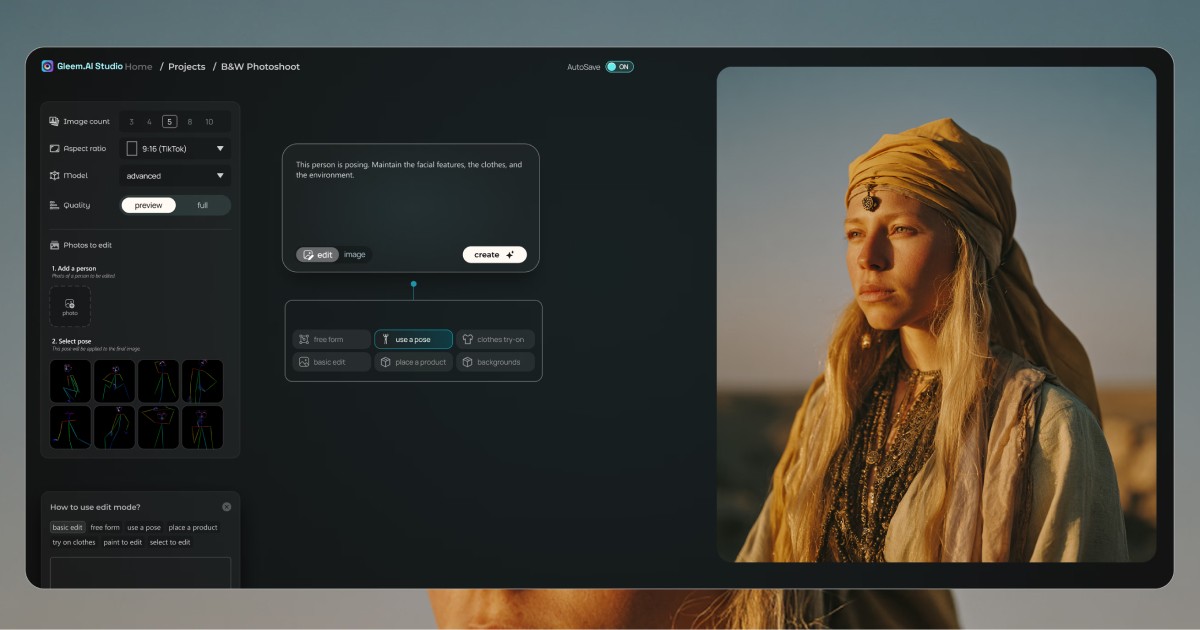
Generate consistent, high-quality visuals faster - apply new poses, maintain likeness, and keep every detail intact.

Dashboard

FAQ

How does the AI Pose Generator work?

The AI Pose Generator creates realistic human poses from text descriptions or pose presets. Simply describe the pose you want or select a preset, and the AI generates natural looking results instantly.

Can I change the pose of my image?

Yes. You can apply ready made pose presets to quickly change body positions and generate new pose variations without manual editing.

Can I create multiple pose variations?

Yes. You can generate multiple pose options using different presets, making it ideal for artists, designers, and photographers who need pose references.

Is it beginner friendly?

Absolutely. The AI Pose Generator is simple to use. Just describe the pose or choose a preset and the AI handles the rest.

Can I upload my own pose references?

Uploading custom pose reference images is an upcoming feature that will give you more control over pose results.

Take your AI creative workflow to the next level

Generate consistent, high-quality visuals faster - apply new poses, maintain likeness, and keep every detail intact.

Dashboard
Dashboard