Ever spent hours cleaning up one photo, removing distractions, tweaking lighting, or editing a background? With AI, that process now takes seconds.
Whether you're enhancing product photos for an online store, designing visuals for social media, or just trying to make your images pop, AI image editing tools are reshaping the entire workflow.
AI photo editors don’t just make edits faster, they make creative work less tedious. You can spend less time cleaning pixels and more time designing ideas. Let’s explore how AI and image editing are working together to unlock a new era of creativity and efficiency!
Back to Basics: What Is AI Image Editing?
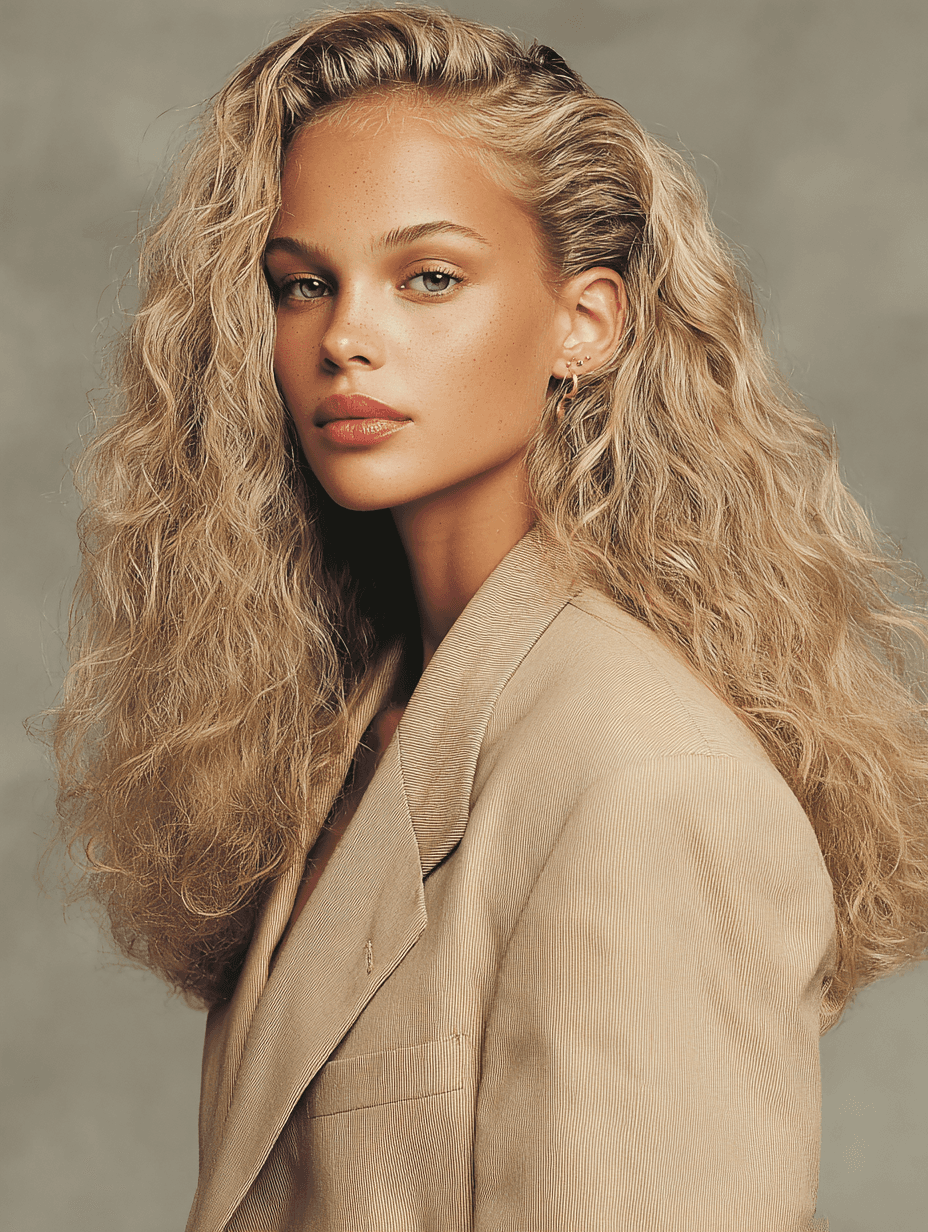
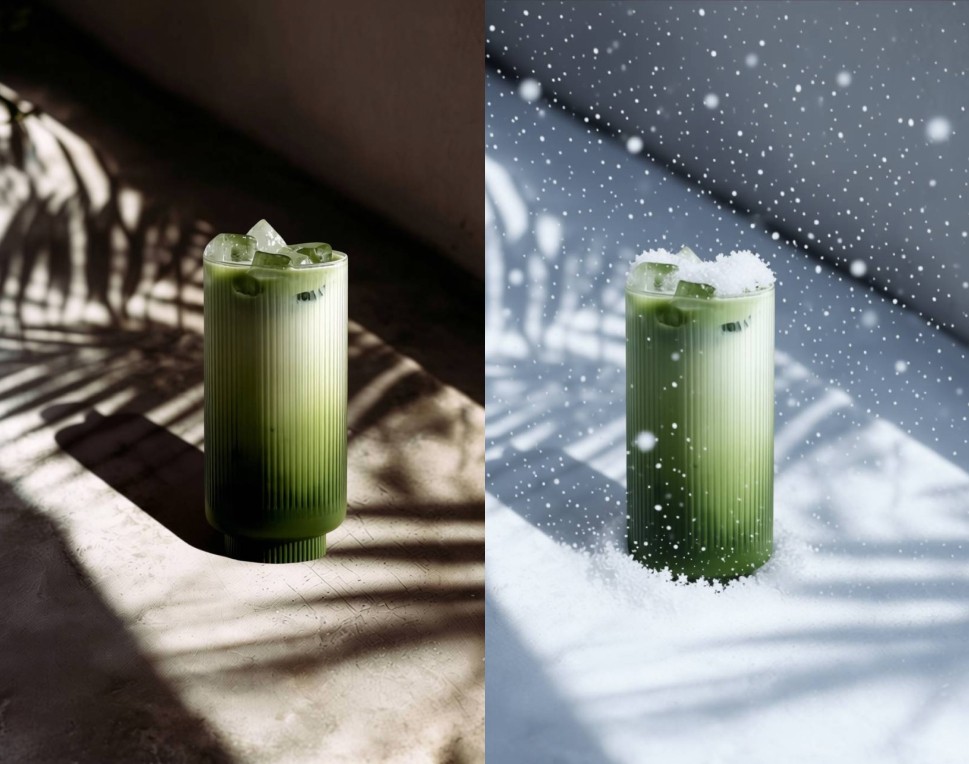
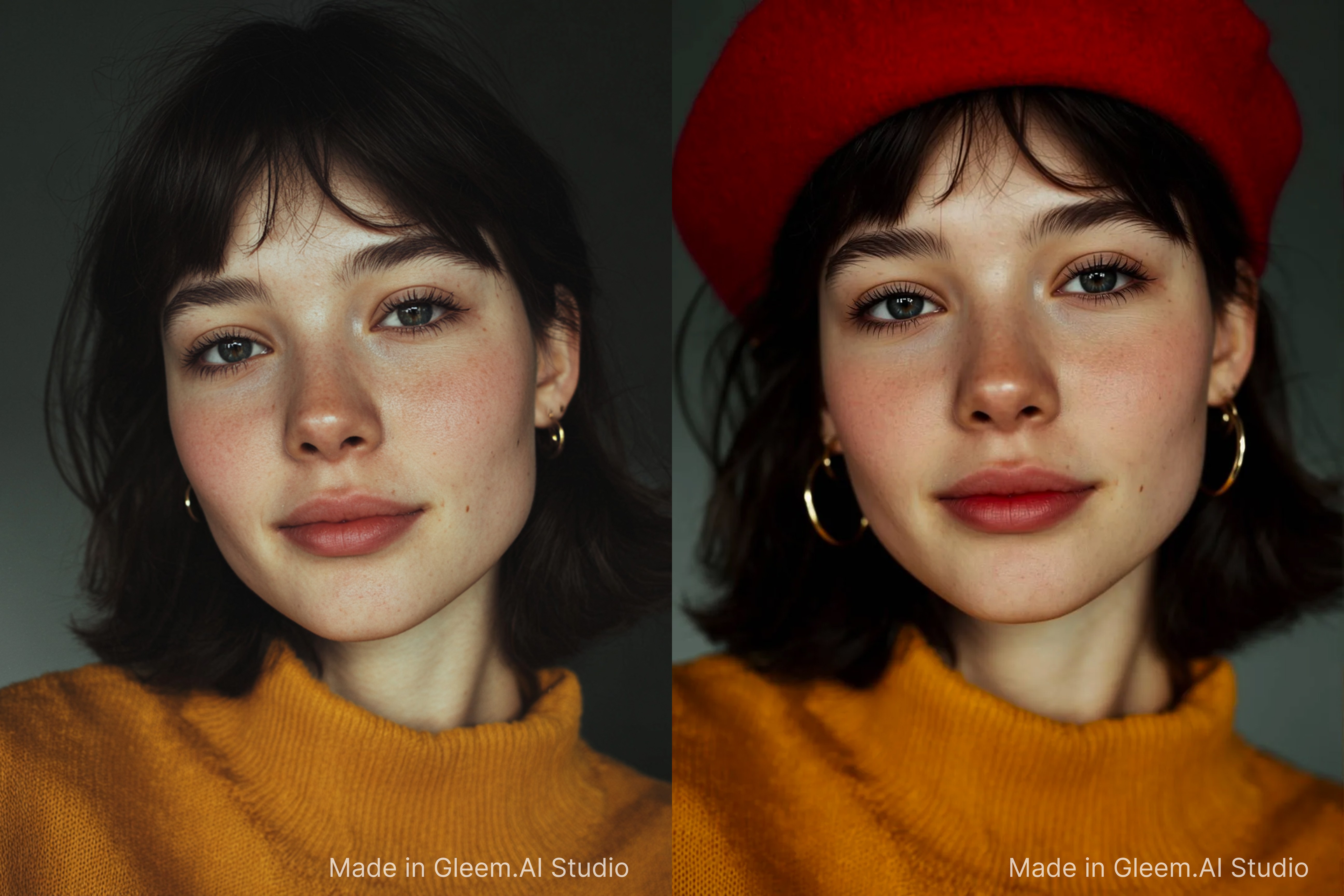
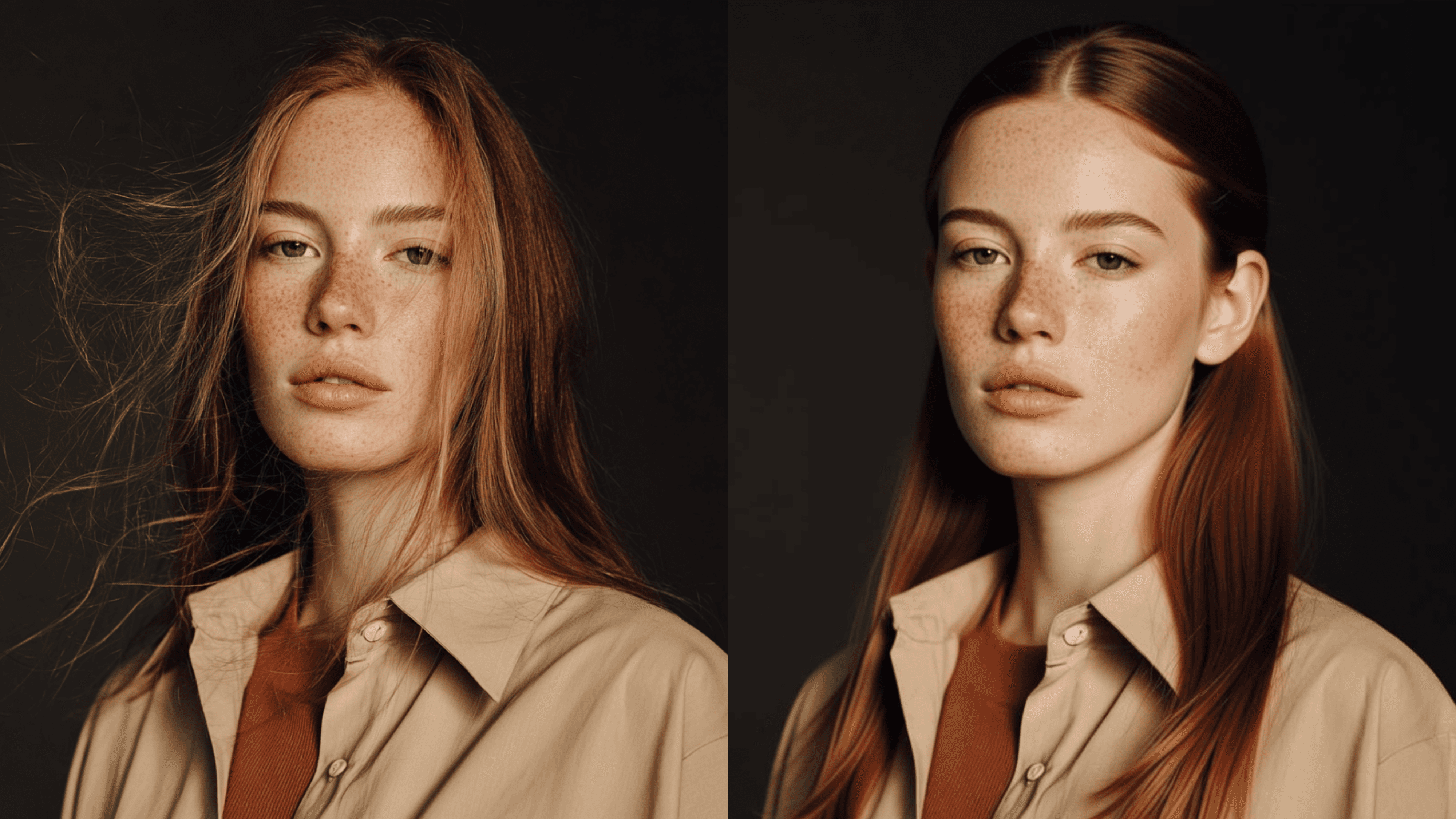
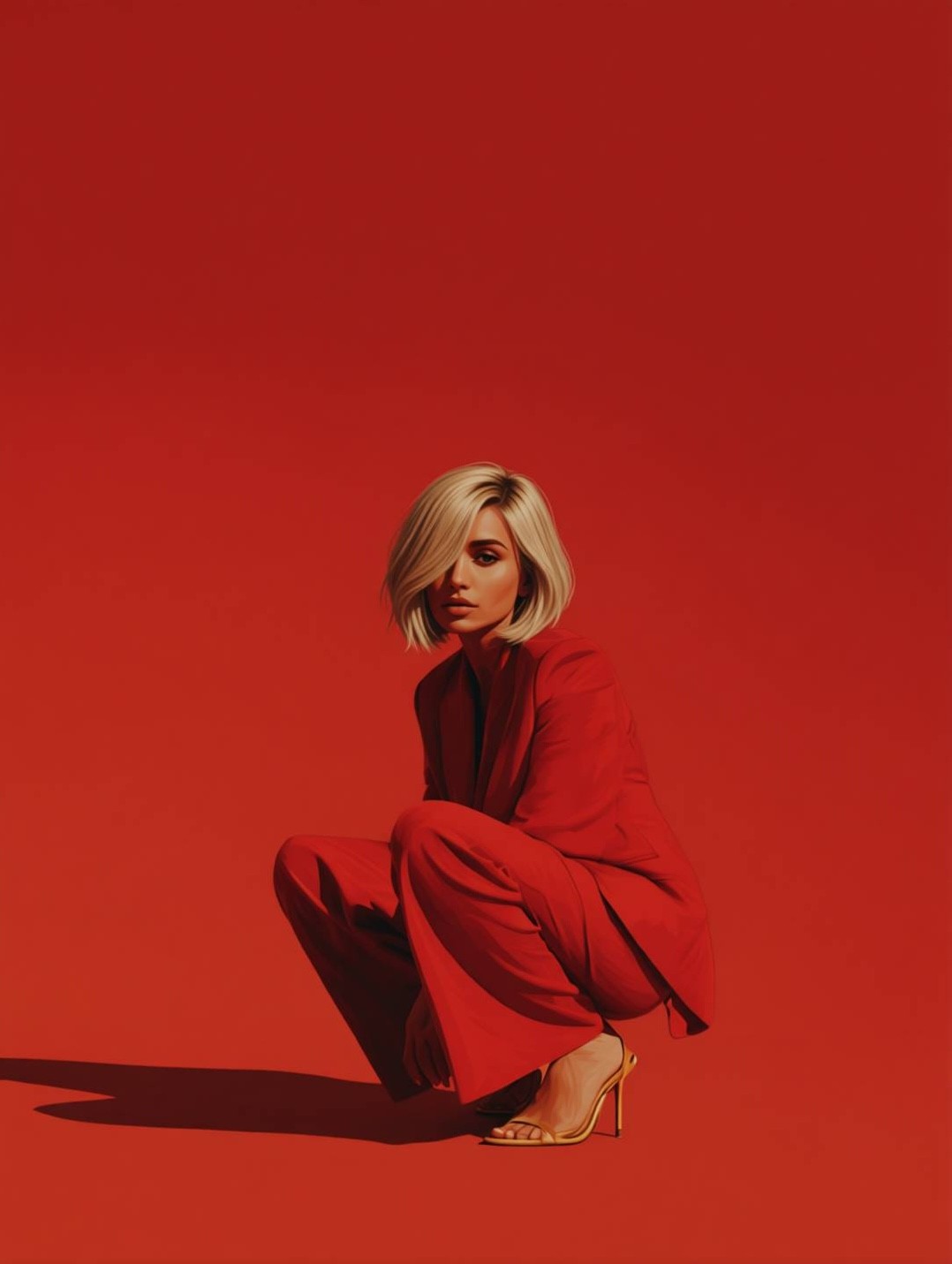
AI image editing refers to the use of artificial intelligence to perform or assist with photo editing tasks. You can upload your image and type a simple instruction or prompt, like "change the hair color" or "add dramatic lighting and sunrays", and the tool makes the change instantly.
Behind the scenes, AI models trained on millions of photos learn to recognize faces, objects, edges, and even artistic styles. Think of it like having a designer who instantly understands what “make it brighter” or “remove that lamp” means.
Pro Tip:
Start with well-lit, clean photos. A simpler background helps AI tools deliver more accurate results when removing or replacing elements.
Why AI Image Editors Are Becoming the Standard
AI tools are more than a trend. A survey by Talker Research for ActiveCampaign revealed that 82% of workplace AI users are applying it in marketing tasks, including imagination (52%), activation (48%), and validation (44%) stages of the process. (New York Post). They're becoming core to modern visual workflows, and here’s why:
Speed: Edit photos in seconds instead of minutes.
Ease of use: No design background required.
Batch edits: Upload and edit multiple images at once.
Cost-effective: Many AI tools offer a free version or are free to use for basic edits.
Marketers no longer need design tickets for background swaps or spend their time in Photoshop. Post production teams can now test ideas in minutes and that’s why AI tools are becoming the default, not the backup.
Pro Tip:
If you often edit photos in a similar style (e.g., white background for product images or branded color tones), save your most effective text prompts or settings. This will save time and keep your edits consistent.
Real Use Cases Where AI Image Editors Shine
Let’s look at some practical ways you can use AI-powered photo editors today.
Portrait Retouching and Background Changes
Easily enhance portraits by smoothing skin, adjusting lighting, or removing blemishes. AI can also replace or blur backgrounds with a single click, making headshots or profile images look clean and professional.
Social Media Content
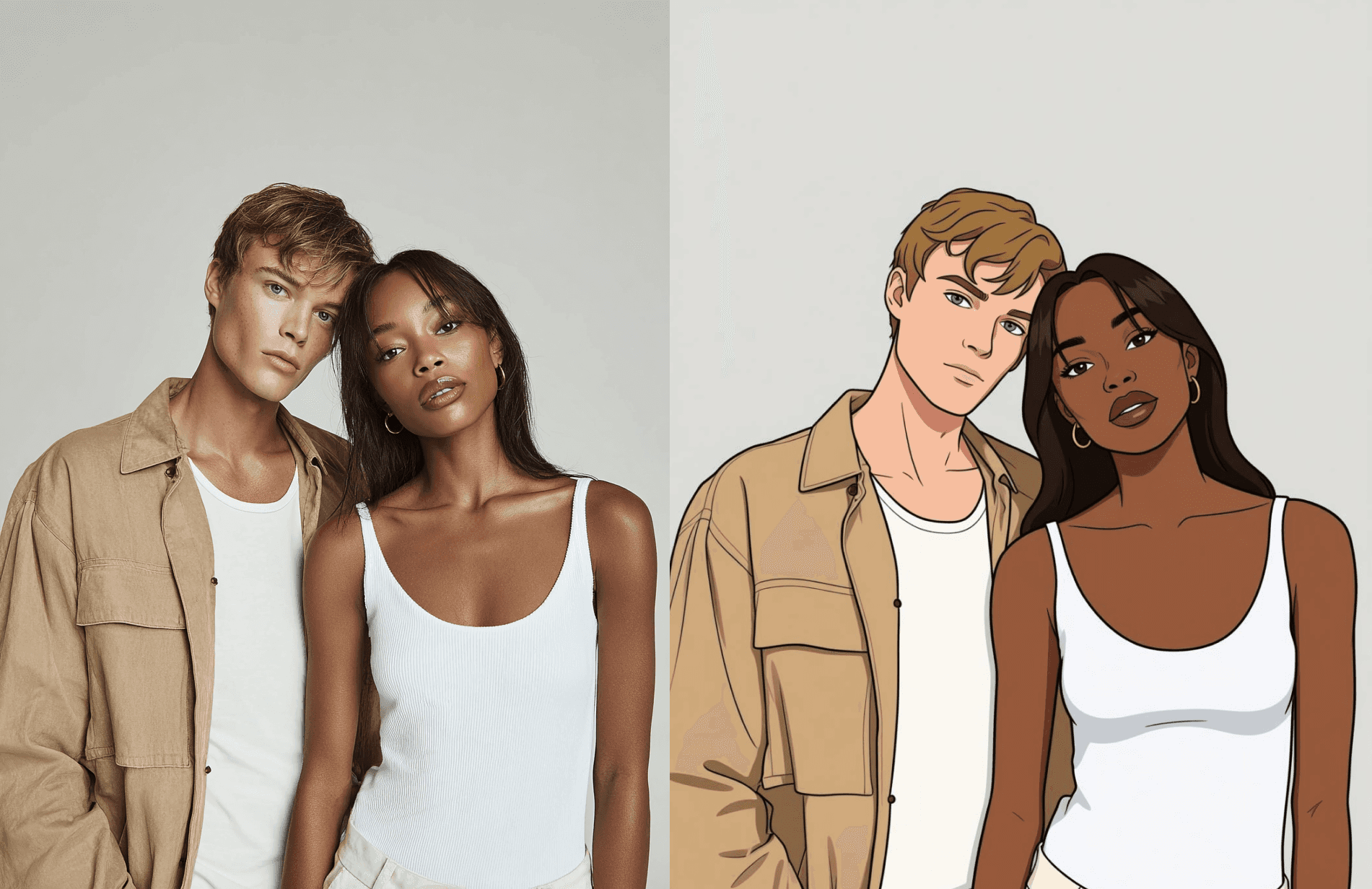
Creators are using AI tools to stylize selfies, remove distracting elements, or transform everyday photos into eye-catching cinematic or stylized shots that look like it just came straight out of a movie or TV show. Thumbnails with polished portraits also boost engagement.
Marketing, Product Personalization, and Branding
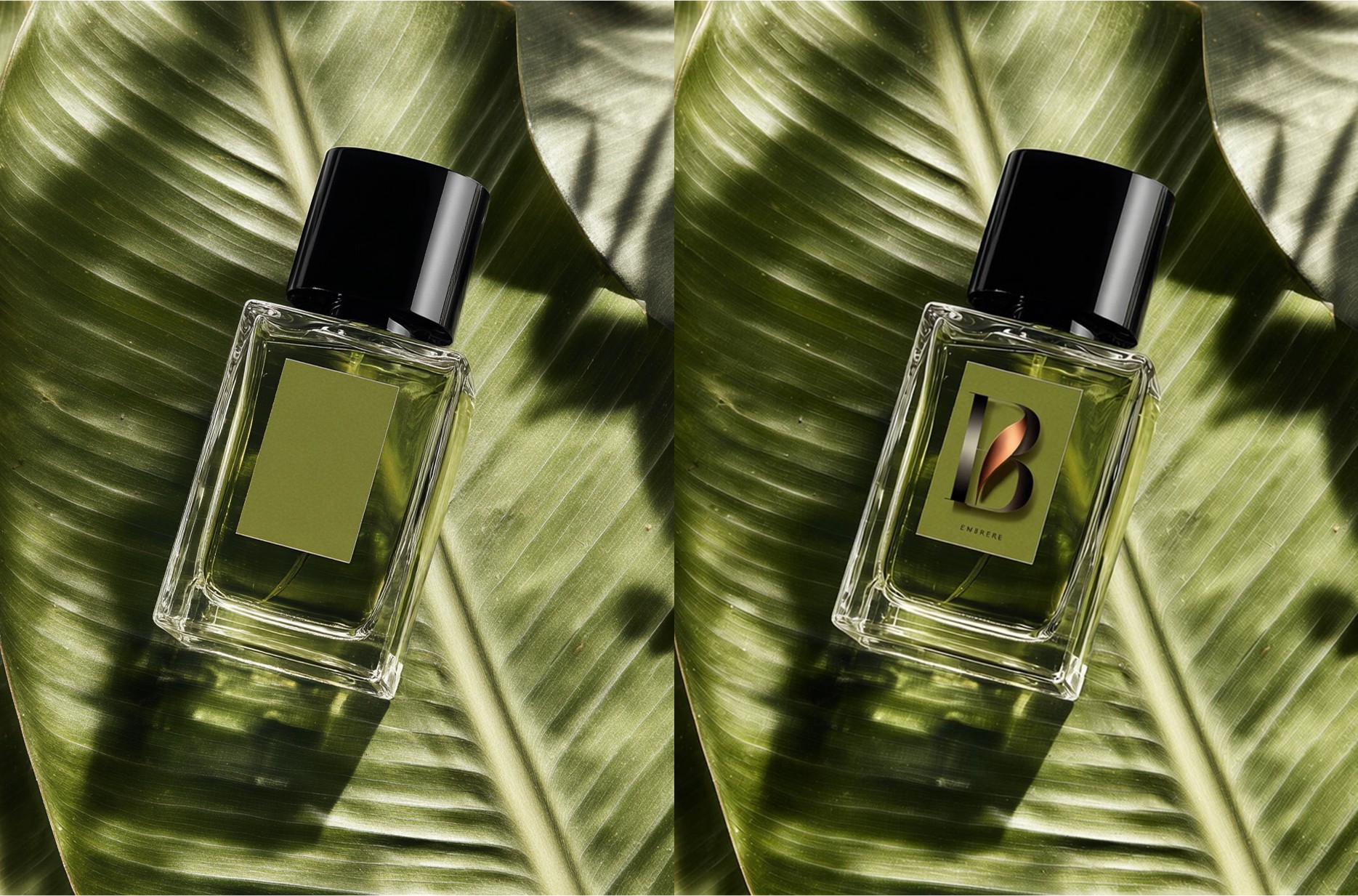
AI editing tools let marketers and businesses swap labels, logos, or packaging details directly on product photos, making it easy to visualize custom branding or create client-specific mockups. This is ideal for pitches, e-commerce previews, or tailored advertising without needing new photoshoots.
What to Look for in a Good AI Image Editor
Not all tools are equal. Here are the features worth having:
Upload your image and describe what to change using a text prompt
AI background editing (remove or replace)
Generative AI capabilities (create scenes or styles)
Export high-quality results without artifacts
Free online version to test features easily
Generative capabilities” matter because they let you design beyond the photo. Imagine scenes, not just edits.
Pro Tip:
If the AI image editor supports it, export your images with transparent backgrounds (PNG format). This gives you flexibility to reuse the edited subjects across different designs, platforms, or campaigns.
Step-by-Step: How to Edit Images with AI
Here’s a quick guide to using an AI image editor from start to finish:
Upload your photo
Use a free AI image editor or paid platform. Choose a photo with a clear subject and minimal background noise.
Enter your prompt or select an action
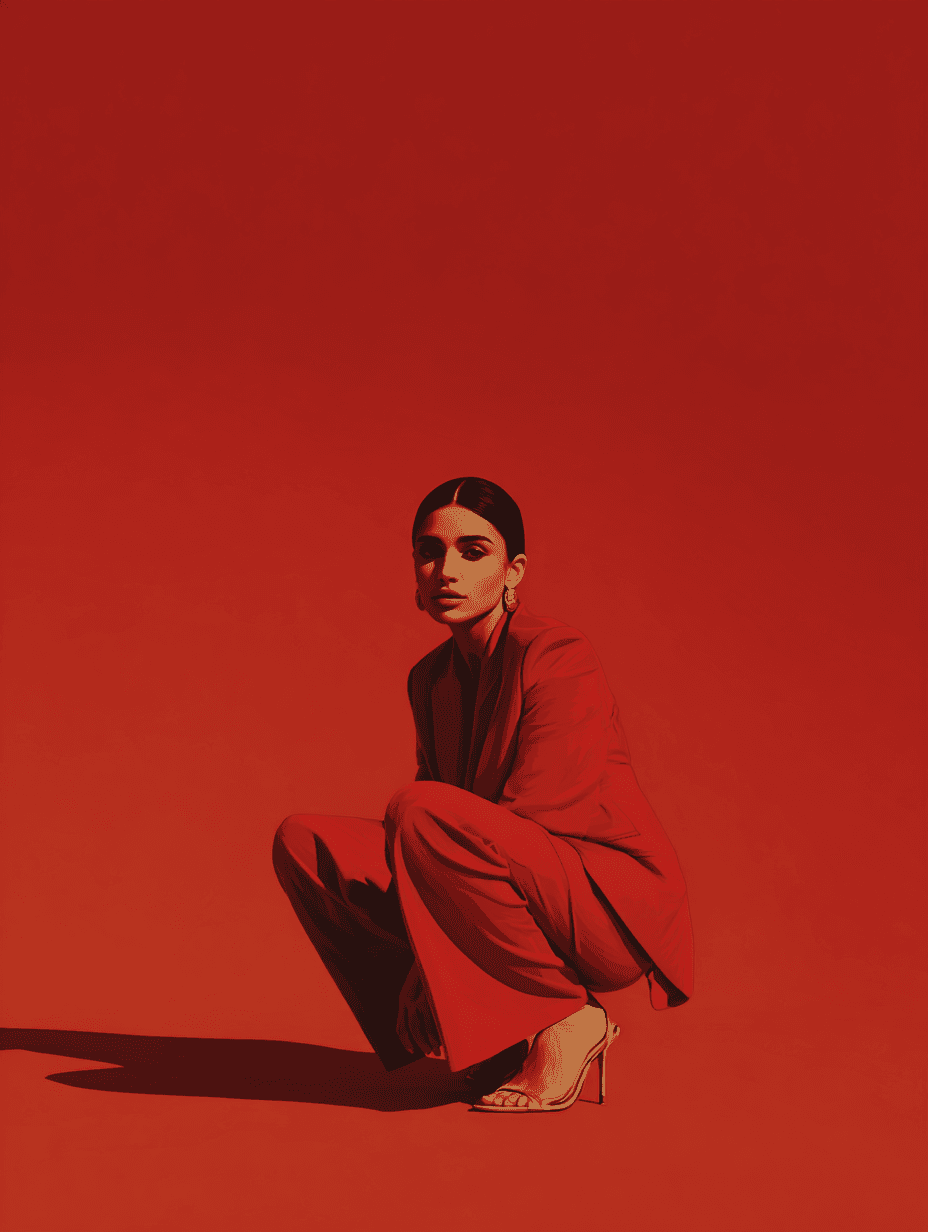
Describe what you want to change (e.g., “darken the room and add dynamic party lights”) or select from presets.
Let the AI process it
The editor makes the change in seconds. Most online tools show a live preview or even multiple reiterations.
Tweak if needed
Adjust shadows, remove artifacts, or refine edges to improve results. Some tools offer sliders for brightness, saturation, or depth.
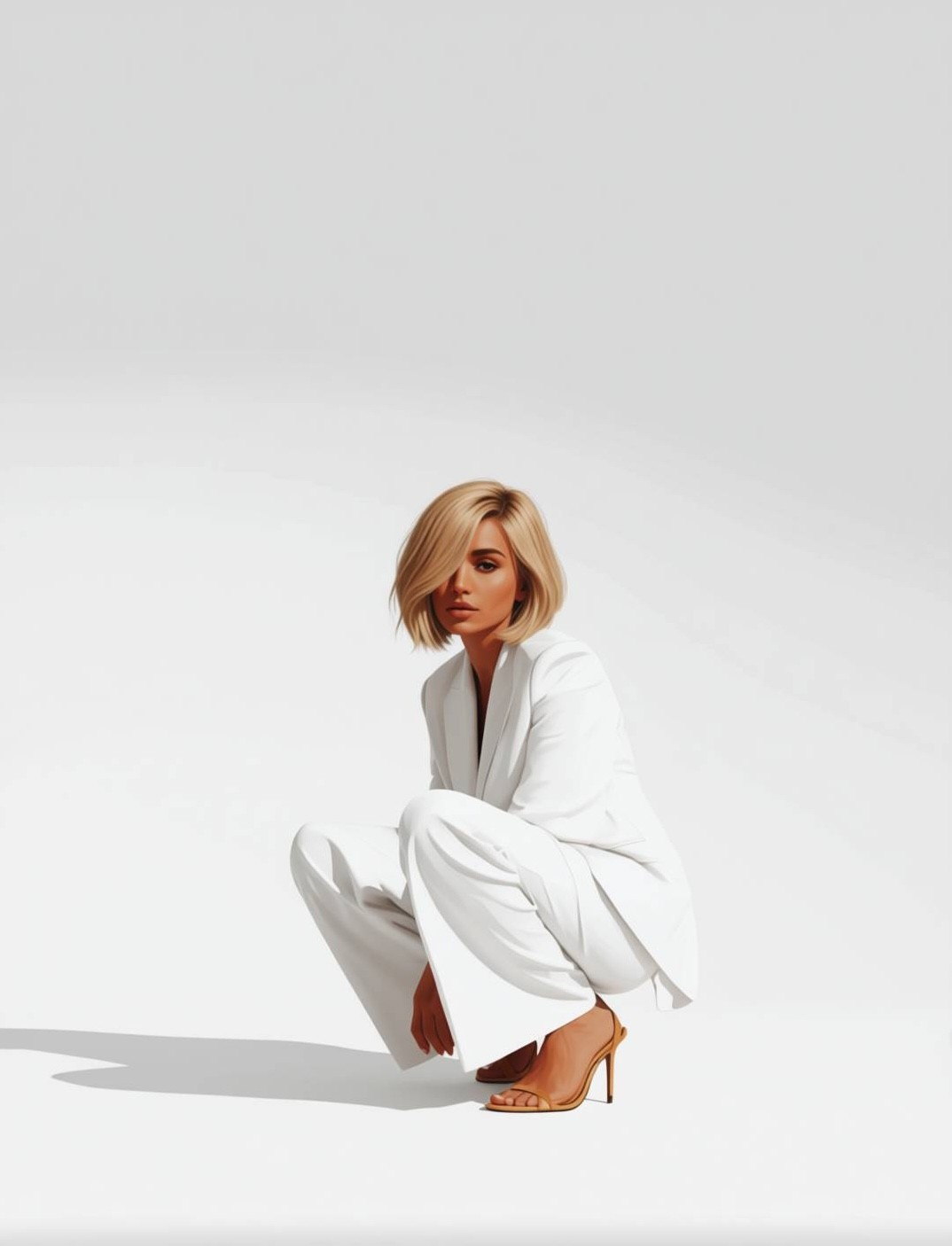
Download your image
Save in JPG, PNG, or WebP. Use the image in your store, portfolio, or social posts!
Pro Tip:
If you need to maintain brand consistency, set up templates and reuse them across different assets. This ensures every photo you edit with AI looks cohesive.
What to Watch Out For
AI editing is powerful, but not perfect. Keep these cautions in mind:
Edge errors: Hair and transparent objects can still confuse AI models.
Lighting mismatch: Swapping a background without adjusting shadows or tone can make the subject look “cut out”.
Over-editing: Too many effects can result in visuals that look artificial.
Legal usage: Make sure your AI-generated background or scene doesn’t violate copyright, especially for commercial use.
A recent paper from arXiv found that only 33% of real-world editing tasks can be completed perfectly by current AI tools, so human oversight still matters (Arxiv).
Frequently Asked Questions About AI Image Editors
Is there a free AI image editor I can use online?
Yes, many platforms offer a free online version to upload and edit your photos with basic features. Some even include a 7-day free trial for premium tools.
Can I use a single prompt to create a new background?
Absolutely. Tools with generative AI features allow you to describe the new scene in plain language and apply it instantly.
Do AI editors work with multiple image formats?
Most support JPG and PNG. Advanced editors also support PSD or allow batch exports.
Final Thoughts
Image editing and AI are now inseparable. Whether you want to transform images for personal use or streamline visual workflows for your business, AI-powered photo editors offer flexibility, speed, and creative control. With features like lighting editing, hair changes, make up changes, and more, these tools are quickly replacing old-school editing software for many users.